
EPOS provides headset and conferencing solutions. For the supported EPOS headsets and speakerphones, see EPOS / Sennheiser Compatibility with IGEL OS.
In IGEL OS, you can set up EPOS Connect, a client application that connects with EPOS Manager and sends device information and configuration to it. EPOS Manager performs the following tasks for EPOS devices that are connected to the endpoint:
-
Firmware updates
-
Remote asset management
-
Remote configuration
"Silent update" must be selected in EPOS Manager during the update. Otherwise, the update will not function.
For more information on EPOS Manager and EPOS Connect, see https://www.eposaudio.com/en/us/enterprise/software.
Menu path: Devices > Unified Communications > EPOS Audio > EPOS Connect
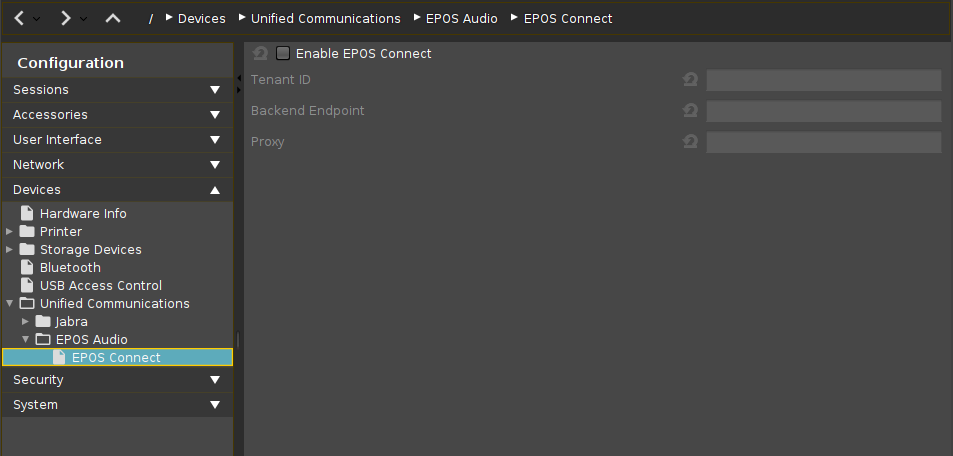
Enable EPOS Connect
☑
The EPOS Connect client is enabled.
Tenant ID
The customer-specific system ID for your EPOS Manager installation.
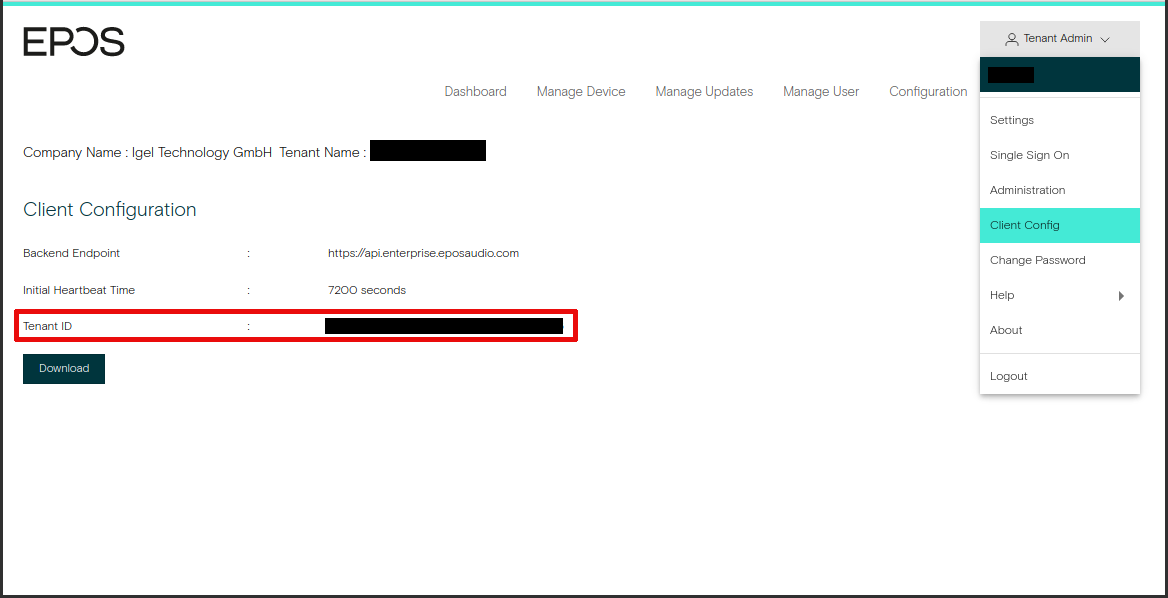
Backend Endpoint
URL of EPOS Manager
Proxy
URL of the proxy that connects to EPOS Manager, if applicable. The proxy URL must be provided in the format [ADDRESS]:[PORT].