
To launch the Application Launcher, proceed as follows:
→ Click on 
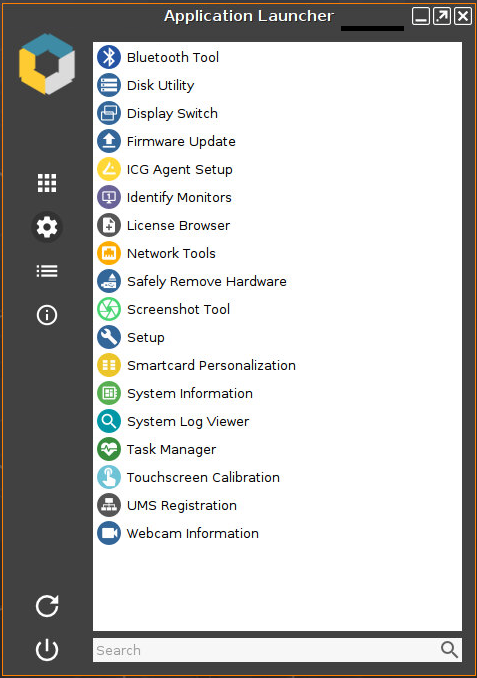
The sub-areas of the Launcher provide access to:

|
Listing of the sessions that have been set up |

|
Listing of the most important tools |

|
License declarations for the components used |

|
The About Window with information about the system |

|
Restart |

|
Shut down |

|
Search field for fast access to the components |
You will find information regarding the configuration under Application Launcher 1.