
In IGEL OS, you can use the AppliDis client. AppliDis Fusion is a virtualization solution which combines the virtualization of desktops and applications in a single console. For more information, see https://www.systancia.com/en/systancia-workplace/.
Menu path: Sessions > AppliDis
To create an AppliDis session, proceed as follows:
-
In the IGEL Setup, go to Sessions > AppliDis and click

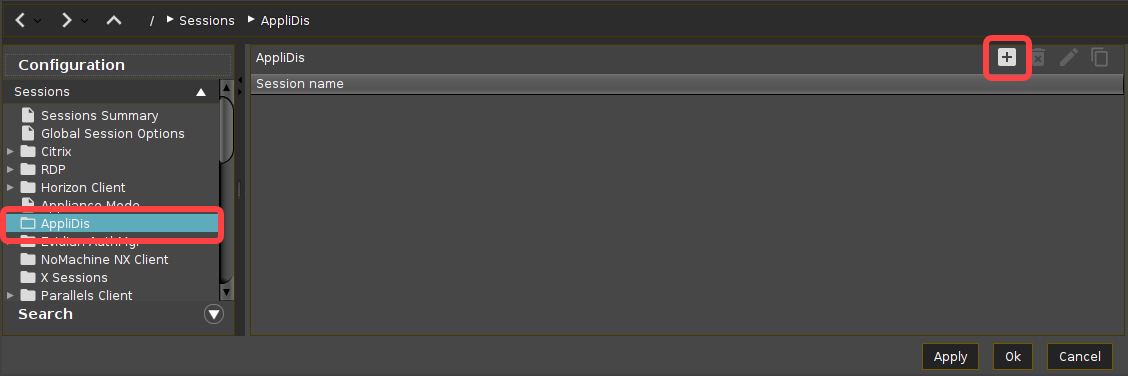
For the added session, you can perform the following actions:
-
Click on

-
Click on

-
Click on

-
-
In the following area or under Desktop Integration, configure the session name and starting methods for this session.
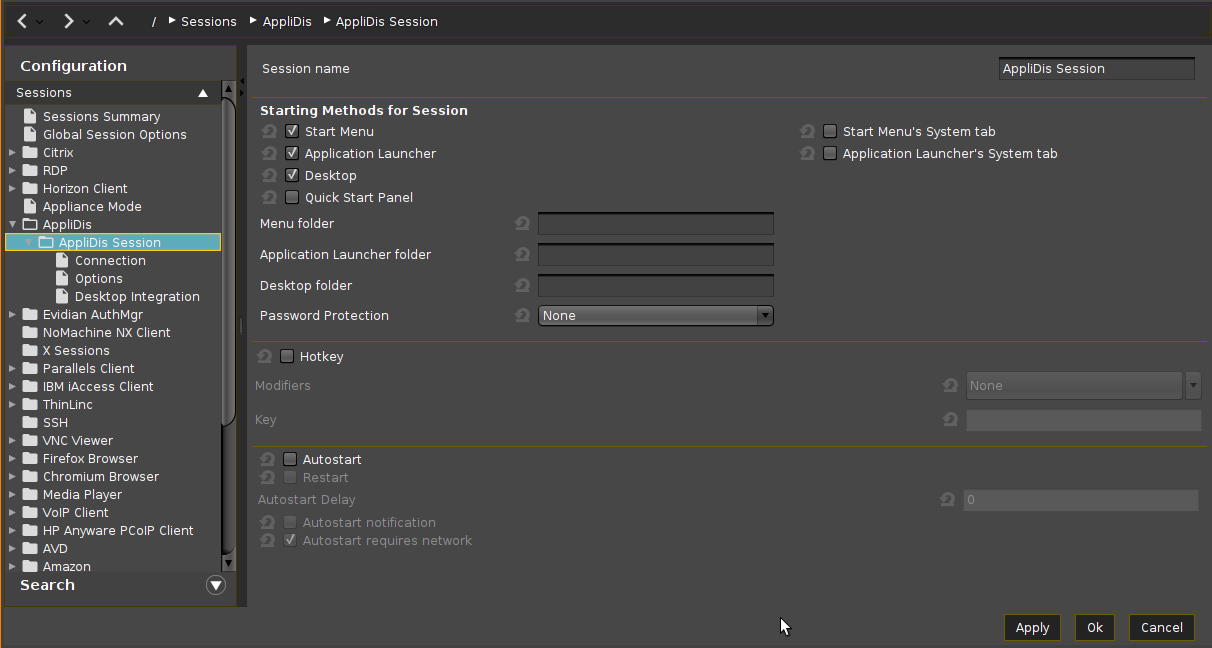
-
Configure other settings according to your needs.
-
Click Apply or Ok to save the settings.