
-
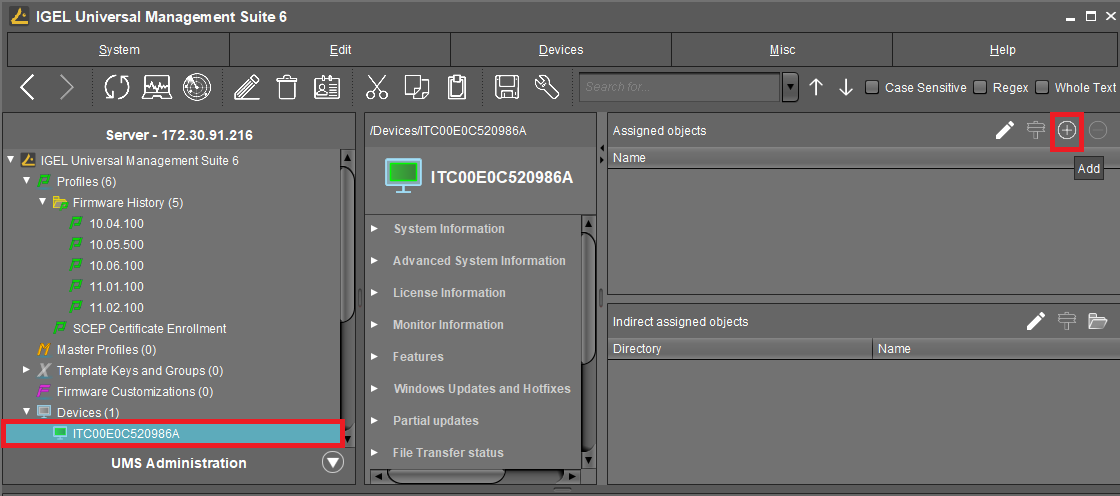
In the UMS structure tree under Devices, select the devices you want to assign the profile to.
-
In the Assigned objects area, click

-
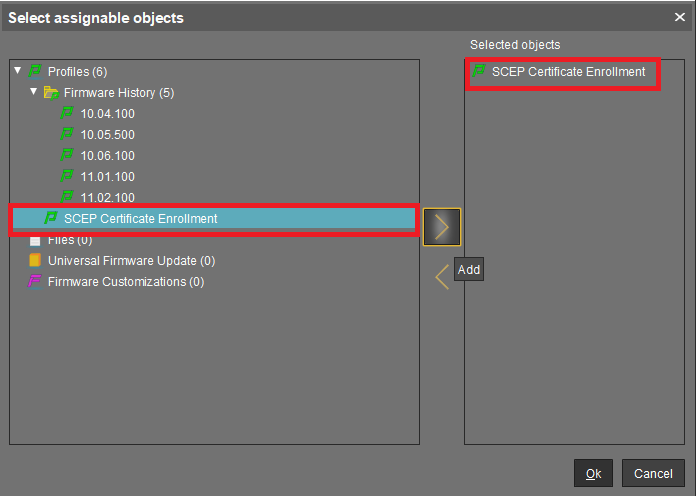
In the Select assignable objects dialog, select the relevant profile and click

-
Click Ok.
-
In the Update time dialog, select Now and click Ok.
The device performs the actions as described in Client Enrollment Details.