Overview
IGEL OS 11.06 or higher offers strong device encryption that is derived from a user password. The encryption is applied to all partitions that can contain user data, e.g. browser history or Custom Partitions.
Important Notes on Downgrading
-
If you have encrypted your IGEL OS 11.06 device, downgrading to IGEL OS 11.05 or lower will imply data loss on the following partitions, due to different partition schemes:
-
Browsing history of the browsers Firefox and Chromium
-
Custom Partitions
-
-
The device settings and the UMS connection are preserved.
-
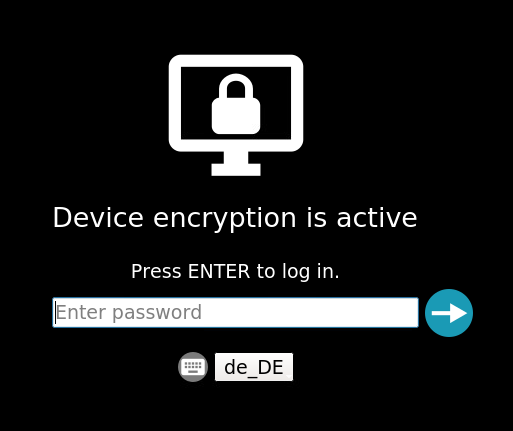
The device encryption password must be entered by the user.
Instructions
-
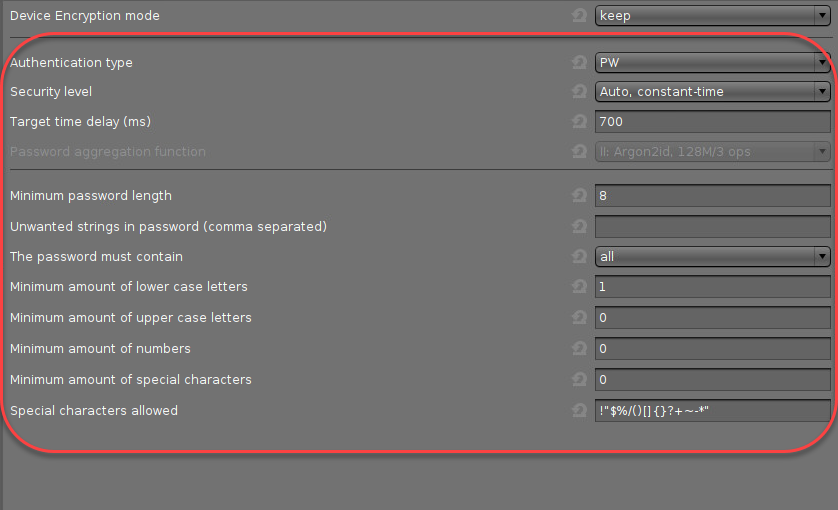
In the UMS configuration dialog or the local Setup, go to Security > Device Encryption.
-
Set the parameters to meet your requirements. For details, see Device Encryption for IGEL OS.
-
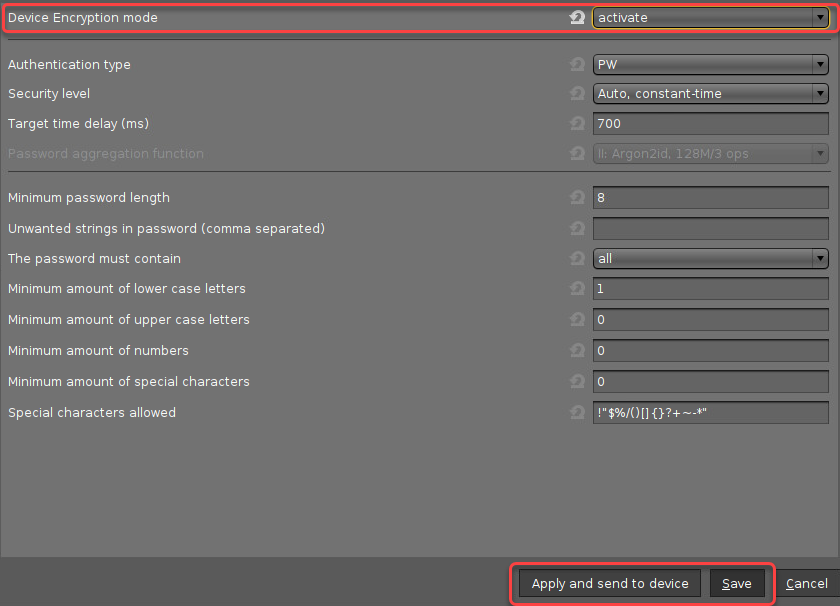
Set Device encryption mode to "activate" and click Apply and send to device or Save.
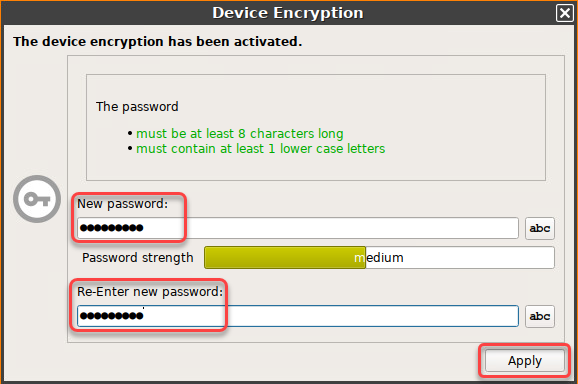
When the settings have been sent to the device, a password dialog is presented to the user.
-
The user enters an encryption password that meets the requirements and clicks Apply.
Several partitions are re-encrypted. This might take up to 60 seconds, depending on your hardware capabilities and the size of your Custom Partition. -
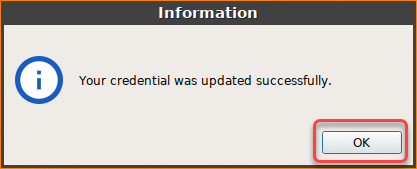
The user confirms the success message.
-
On system start, the user must enter the device encryption password.