
|
Selection |
Function |

|
Uses only display 1. |
|
Shows the same content on all screens, i.e. clone mode or mirroring. |

|
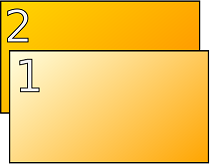
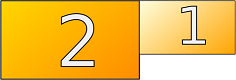
Extends the display area to the screen on the right. |
|
Extends the display area to the screen on the left |

|
Uses only display 2. |
|
Rotates the selected display to the left or to the right. |
Identify Displays: Starts the monitor detection.
Advanced: Switches to Advanced mode of display configuration.
Reset: Restores the default settings.
Close: Closes the IGEL Display Switch window.
Mouse options
-
Lefthand Mode
☑ Lefthand mode is active.
☐ Righthand mode is active. (Default)
-
Pointer speed: Value for the mouse speed in percentage between 1 (slow) and 100 (fast). (Default: 50)
-
Double click: Maximum interval in milliseconds between two mouse clicks to still be recognized as a double-click. (Default: 300)
For more information, see Using Display Switch and Display Switch.