-
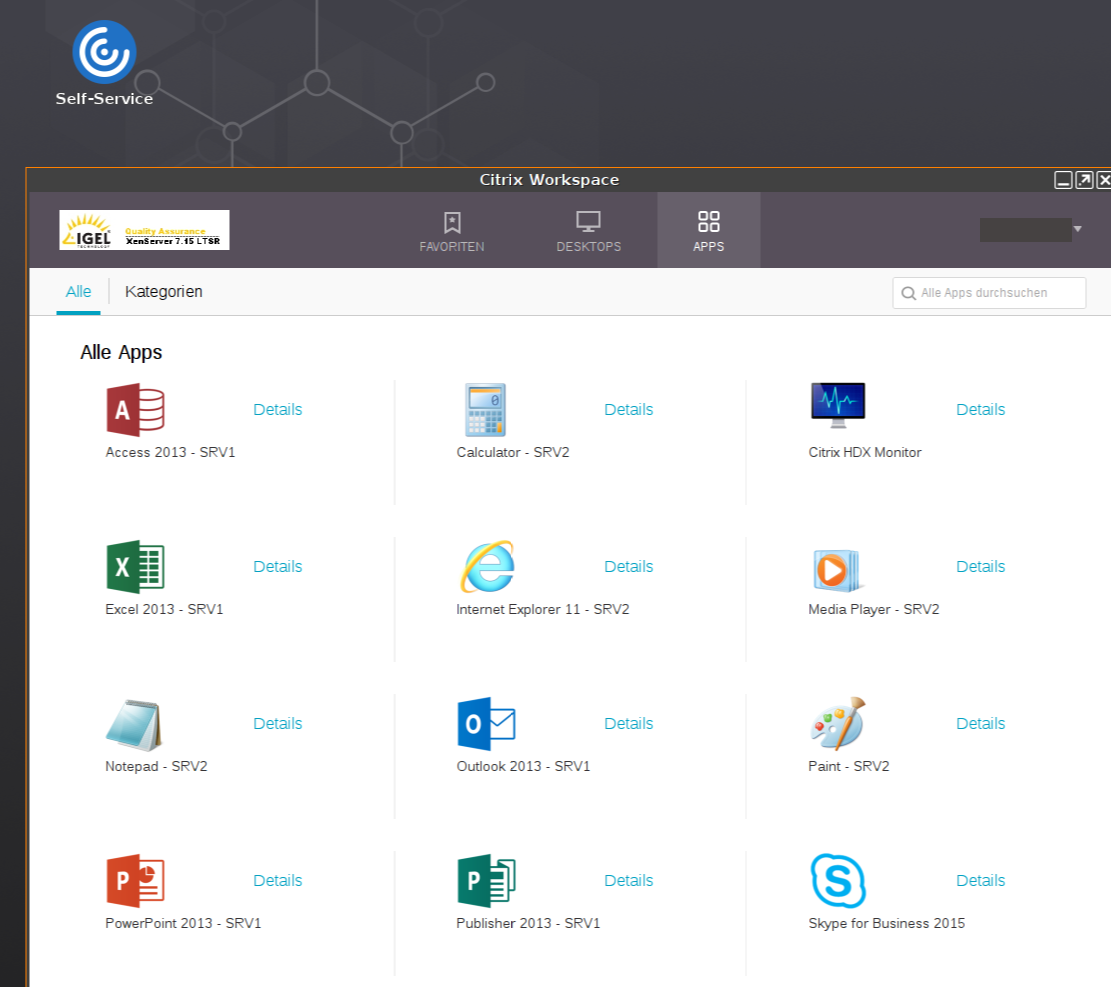
Start Citrix Self-Service e.g. with desktop icon.
-
Log on to the server.
-
Add published applications to the list (+-button on the left).
-
Click a published application to start.
-
Use the search bar to find a published application.
-
Use the user's menu to change preferences, server etc.