
This article shows the options to configure predefined environment variables in IGEL OS.
Menu path: System > System Customization > Environment Variables > Predefined
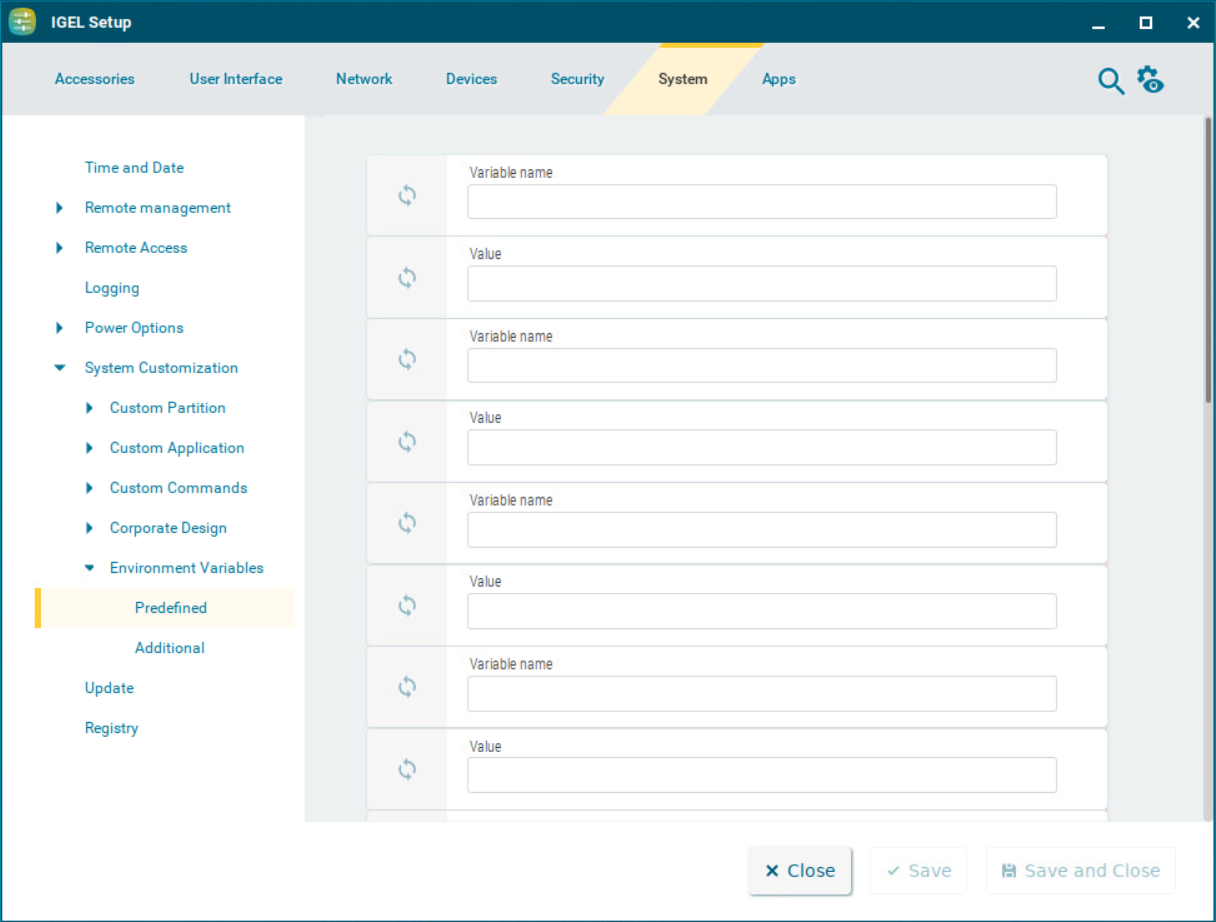
Variable name
Name for the variable
Value
Value for the variable
Using Environment Variables in Sessions
To use environment variables in sessions, proceed as follows:
-
Enable environment variables under System > System Customization > Environment Variables > Enable variable substitution in session.
-
Define the variable name and content, e.g.
-
Variable name:
SERVERNAME -
Value:
testServer
-
-
Enter the variable name in the parameter field of the session with the $ symbol before it. Example:
$SERVERNAMEIn the case of RDP and ICA sessions, the value is entered in the session file after saving. With XenApp, the setting is not implemented until a session starts and is running.