
You have already Uploading a Picture.
As you work with the UMS, to manage several clients, you need to create a profile to assign the new settings to your clients.
Create a Profile to assign your settings to the clients:
-
Click New profile in the context menu of the Profiles directory in the tree.
-
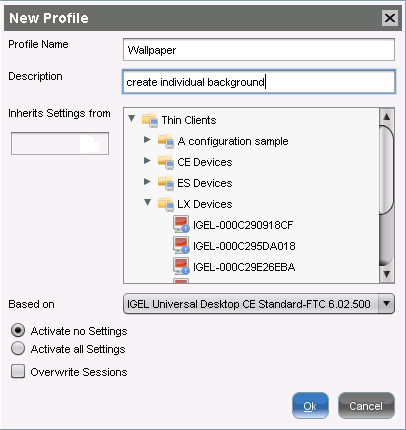
Enter a Profile Name.
-
Enter a Description and choose the firmware of your thin client under Based on.
-
Click OK.