
If you have a really large number of objects in your IGEL Universal Management Suite (UMS), it can be tedious to drag and drop an object to a new position if the new position is quite far away from the current position. With UMS version 5.03.100 or newer, you can increase your scrolling speed. As soon as the object you are moving touches the bottom edge of the structure tree window, the acceleration starts.
To enable drag and drop acceleration:
-
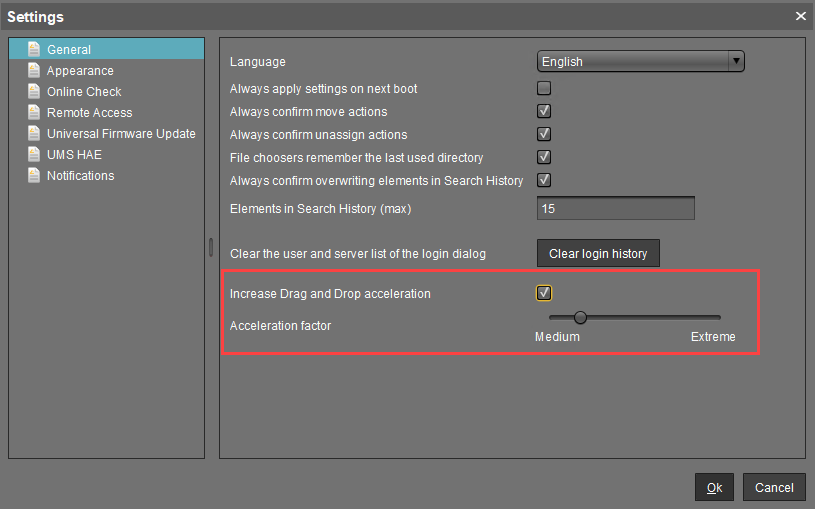
Open the UMS Console and go to Misc > Settings > General.
-
Activate Increase Drag and Drop acceleration.
-
Adjust the Acceleration factor according to your needs and click Ok.
Drag & drop acceleration is ready.