
This article shows how to configure extra routes for the network in IGEL OS.
Menu path: Network > VPN > OpenVPN > [OpenVPN Connection] > Route [0,1,2]
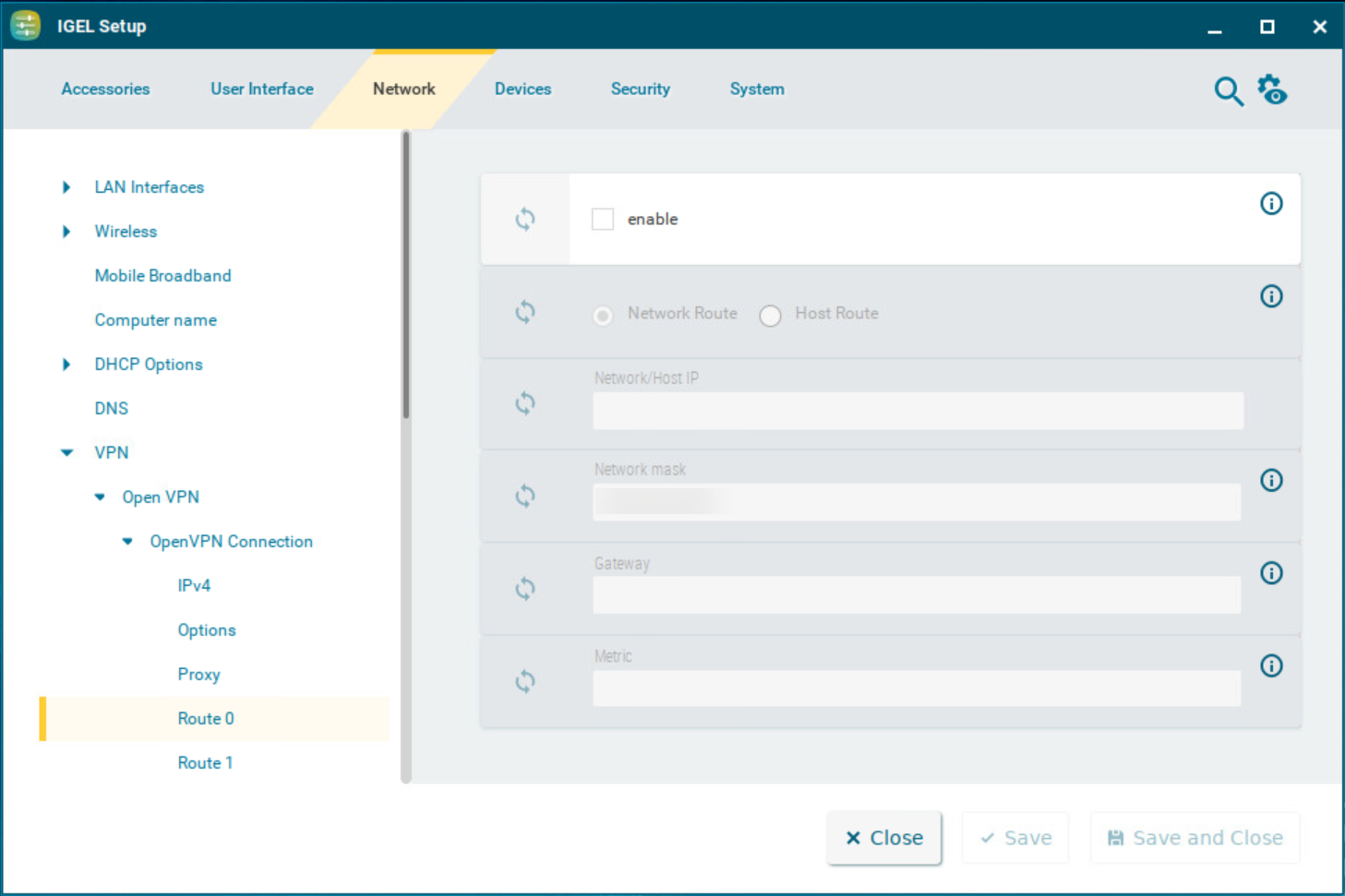
Enable
☑ This route is enabled.
☐ This route is not enabled. (Default)
Network route / Host route
-
Network route: The routing relates to a (sub) network. (Default)
-
Host route: The routing relates to the address of a computer.
Network/Host IP
The address of the network (for a network route) or the IP address or the name of the host (for a host route).
Network mask
Mask for the desired IP range, e.g. 255.255.255.0
Gateway
Gateway that routes the packets to the target network.
Metric
The numerical quality assessment for routing decisions, 0 is the best value.