
This how-to explains how to get a Secret to configure Login Enterprise Launcher.
-
Go to
https://yourServerURL.
Enteradminas a username and password and click LOGIN.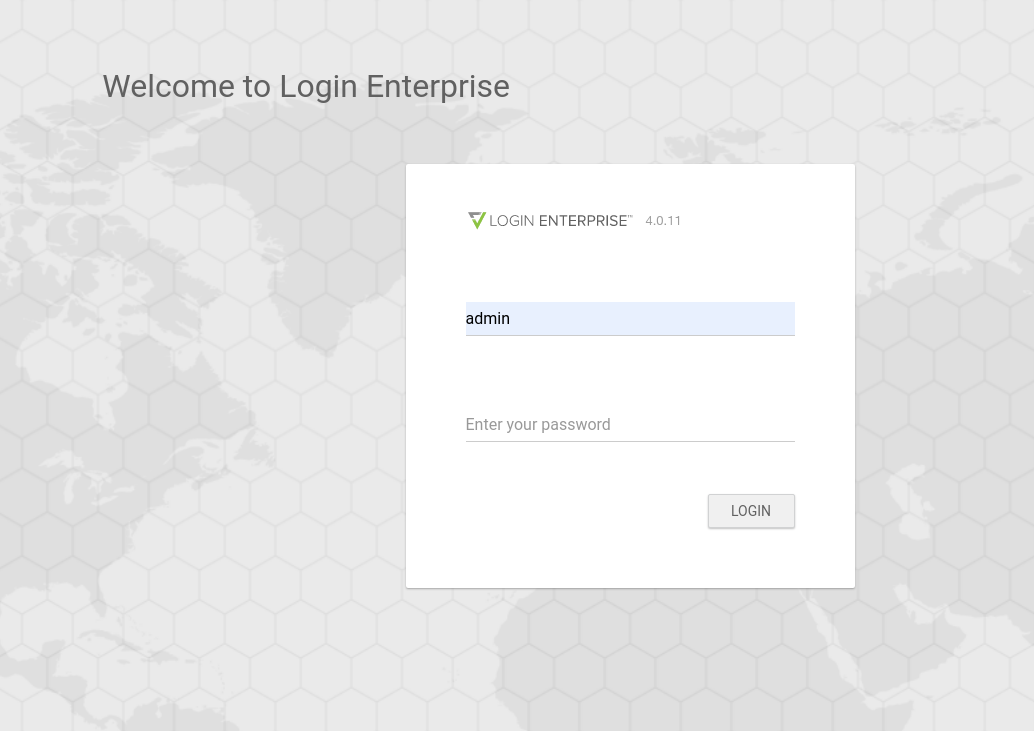
-
Go to Launchers.
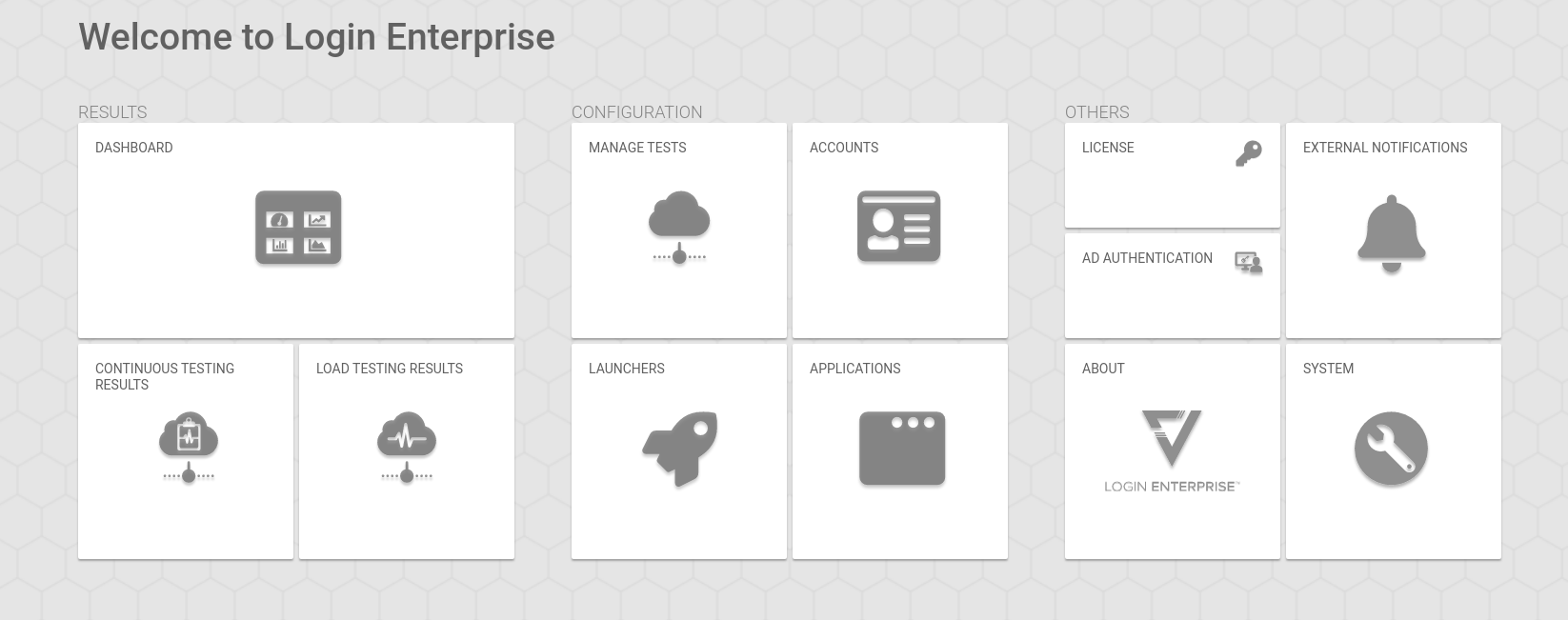
-
Download a required
.zipfile under Download Launcher Setup and unpack it.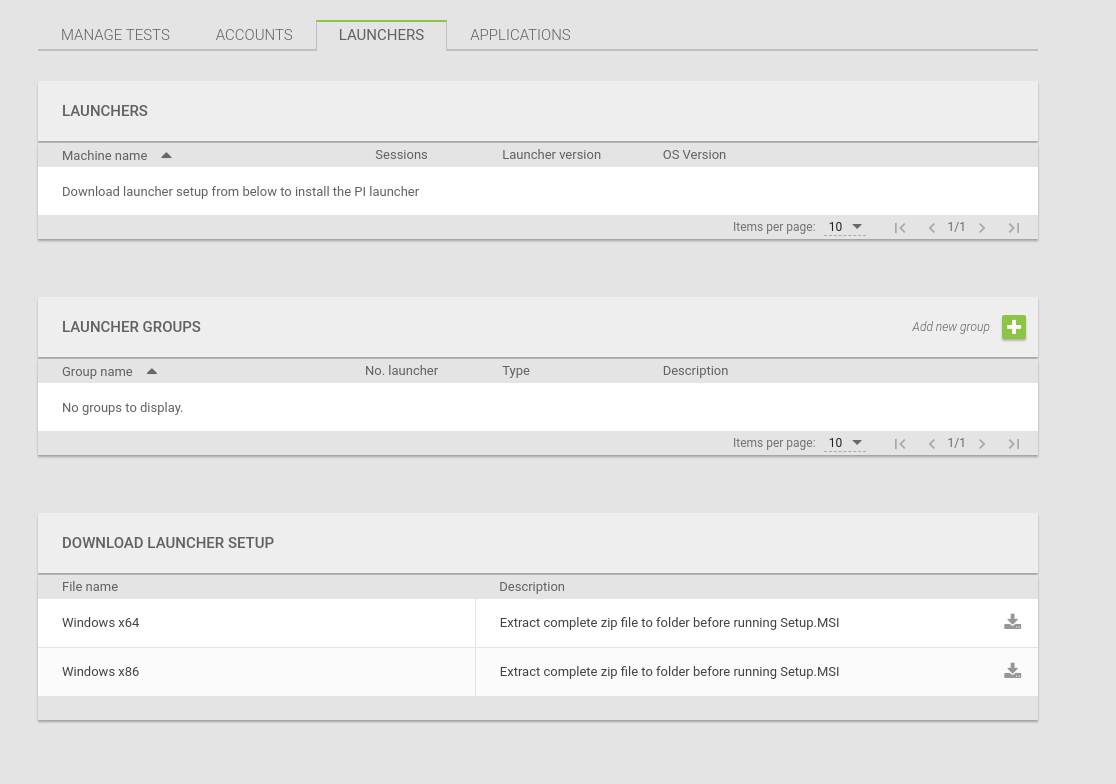
-
Open the
appsettings.jsonfile in the editor.
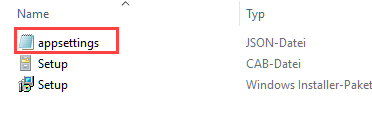
Here you find the Secret for your Login Enterprise Launcher.
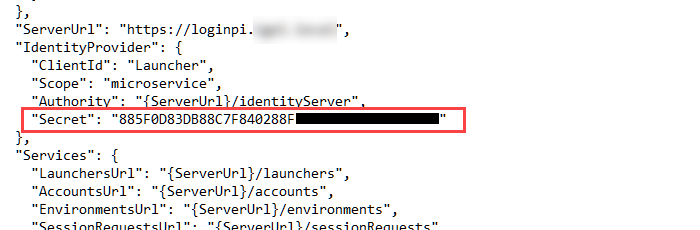
Use the Secret without the quotation marks "".