
To link an Active Directory in the UMS, proceed as follows:
-
Click on Active Directory in the UMS Administration area.
-
Click on Add.
The Add Active Directory / LDAP Service mask will open. -
Enter the domain name and the access data.
-
Confirm your settings by clicking on OK.
Your Active Directory will now feature in the list.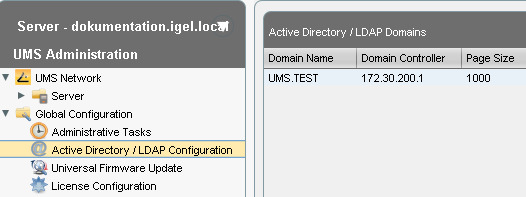
Other LDAP servers (Novell eDirectory, OpenLDAP etc.) cannot be used for IGEL Shared Workplace user authentication purposes.