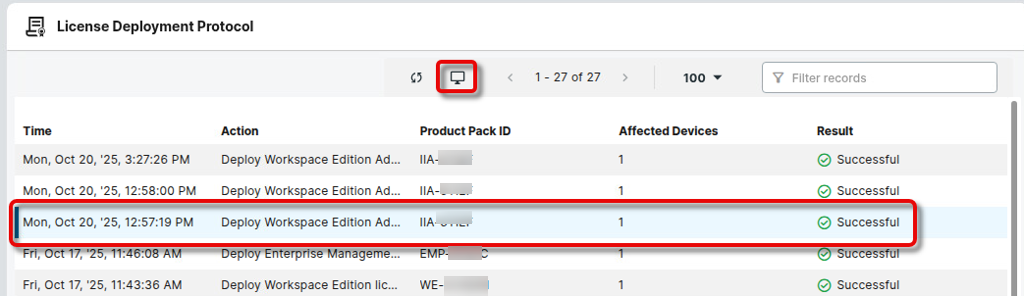
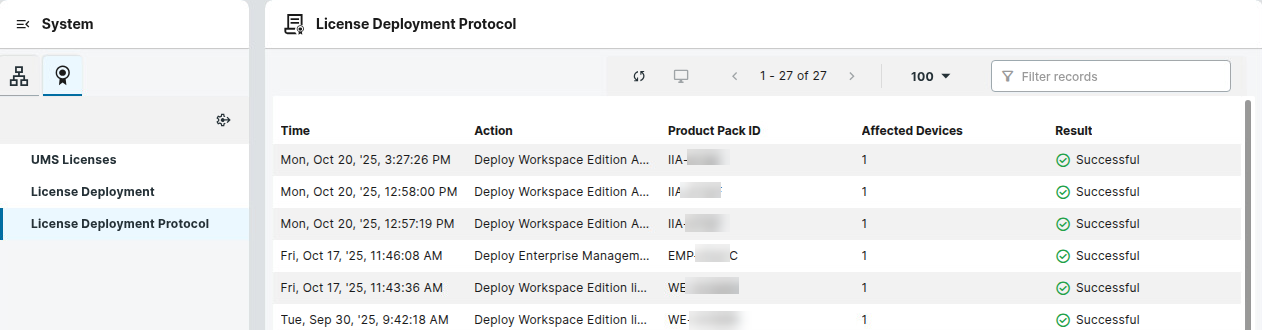
Here, you can review the results of each license deployment action.
Menu path: System > Licenses 
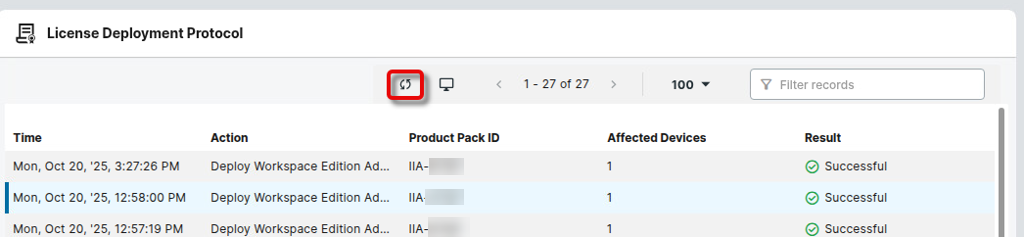
Refreshing the View
→ Click the refresh button to ensure your logs are updated.
Getting Information About the Affected Devices (Hardware)
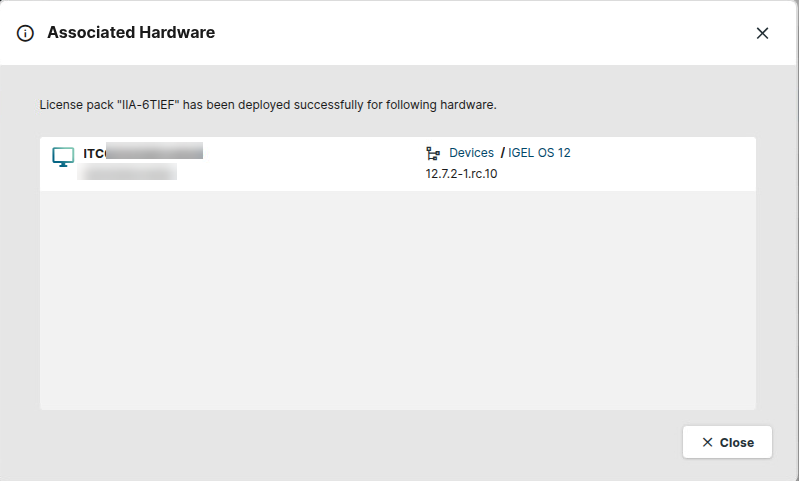
→ Select a log entry and click the device symbol to obtain details about the affected devices.