
You can configure the starting options for an application that was loaded onto a customer partition once it is defined as a custom application. To do this, give the command to call up the application under System Customization > Custom Application > Settings. For more information, see Settings for Custom Applications in IGEL OS 12 .
Custom application commands are executed as user.
Menu path: System > System Customization > Custom Application
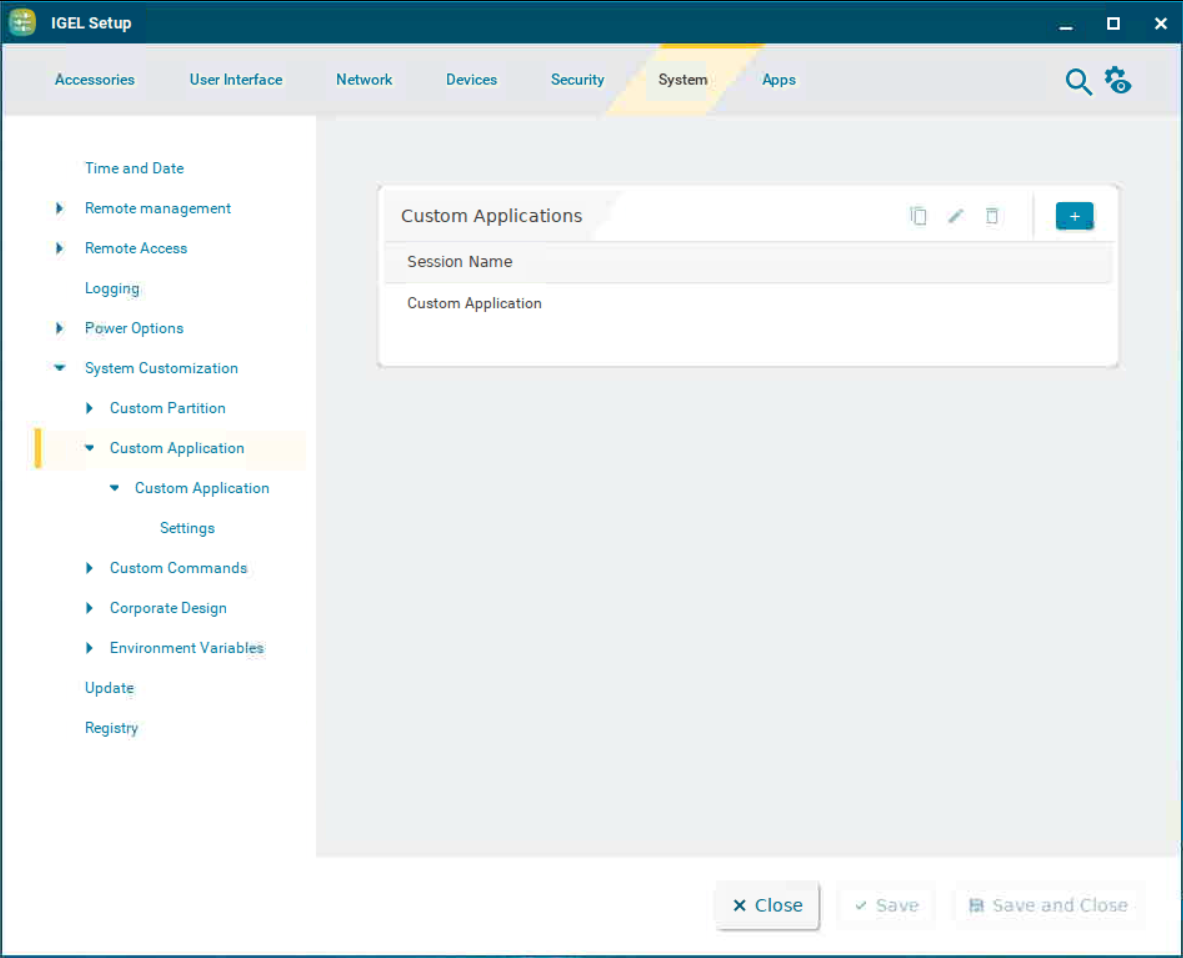
Custom Applications
To manage the list of custom applications:
-
Click

-
Click

-
Click

-
Click

→ Click 
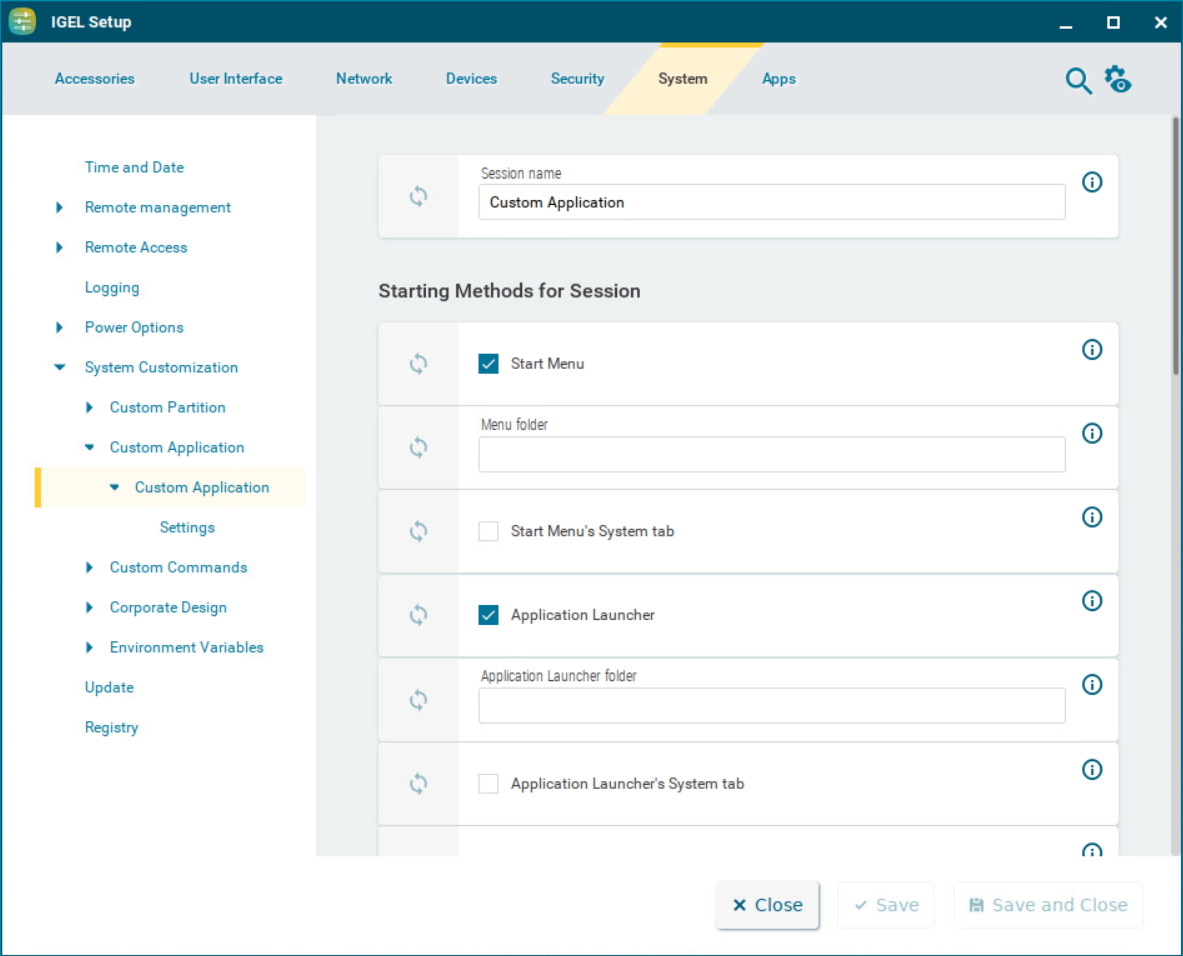
The starting methods parameters are described under (12.5-en) Starting Methods for Apps.