
This article shows how to set up system command sessions in IGEL OS.
Menu path: User Interface > Commands > Shutdown menu / Sort icons / Restart windowmanager
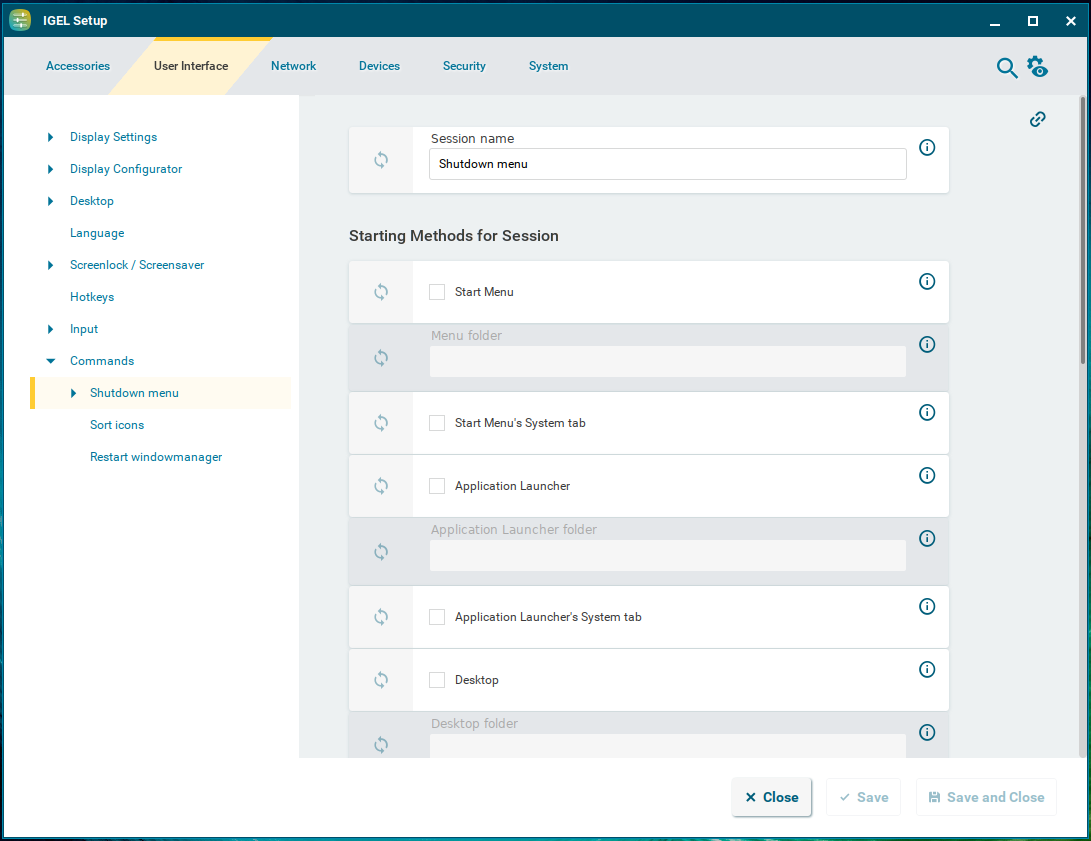
System commands can be made accessible to the user through configuring them as sessions:
-
Shutdown menu: Opens the shutdown menu. You can configure the shutdown menu under System > Power Options > Shutdown. For more information, see Shutdown Settings in IGEL OS 12 .
-
Sort icons: Sorts the symbols on the desktop so that they form a block.
-
Restart windowmanager: Restarts the device's user interface.
The starting methods parameters are described under Starting Methods for Apps.
Quick Access
Menu path: User Interface > Commands > Shutdown Menu > Quick Access
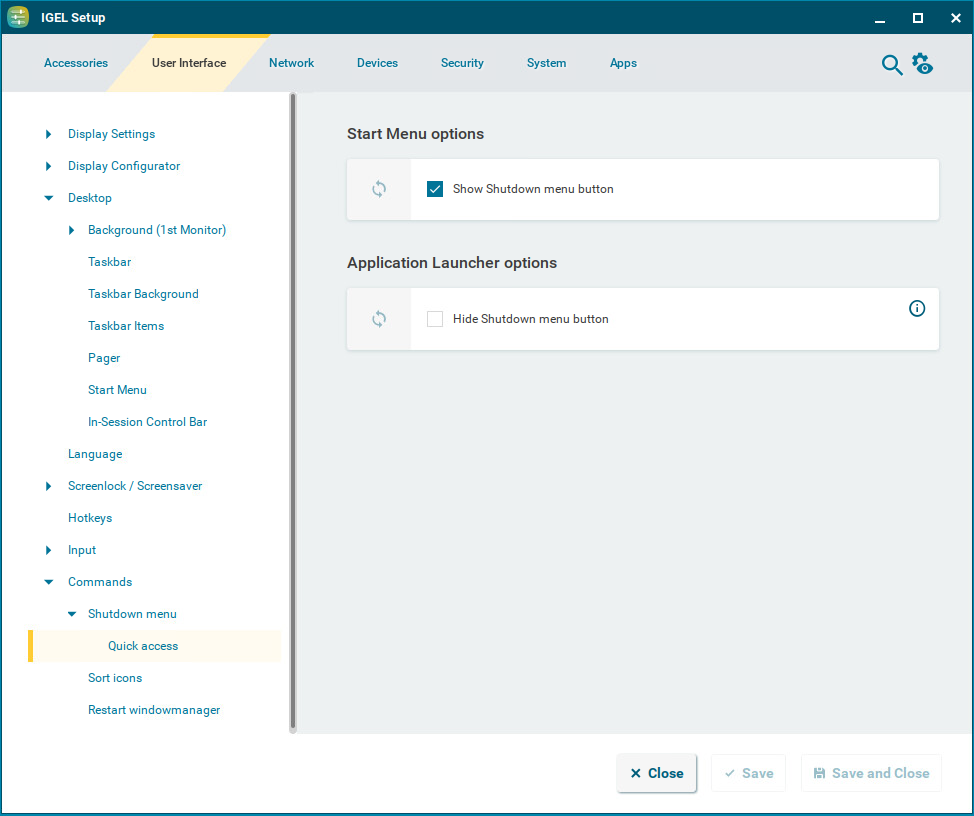
Here, you can configure the quick access to the shutdown menu from the start menu and the Application Launcher.
Show Shutdown menu button
☑ The 
Hide Shutdown menu button
☑ The 
☐ The 