
You can use a Kofax / Wacom signature pad in Citrix sessions using the Kofax SPVC signature pad channel. The Virtual Serial Sign Pad method is no longer supported.
On the Device
-
Connect the signature pad to one of the device's USB ports.
-
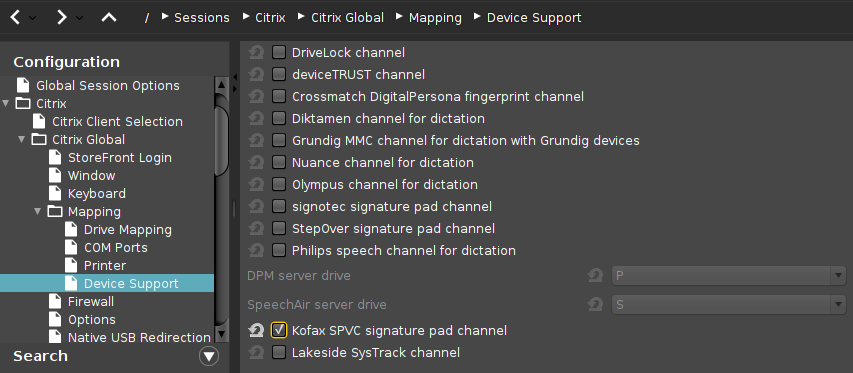
Go to Sessions > Citrix > Citrix Global > Mapping > Device Support.
-
Enable Kofax SPVC signature pad channel.
On the VDI Server (Windows)
->Install the required software from Kofax / Wacom.
The driver contained in this software will listen for signature pads on a virtual channel. Applications such as SignDoc will be able to use the signature pad.