
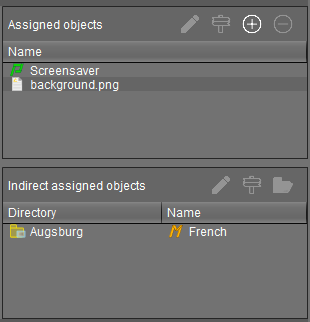
To ensure that you can quickly tell directly and indirectly assigned objects apart, the Assigned objects area is subdivided into two parts:
-
Directly assigned objects have been assigned to an individual device, folder or profile.
-
Indirectly assigned objects have been "inherited" via the file structure.
→ Double-click an object in the assignment area in order to directly edit it.
Assigned objects with configuration changes not yet transferred to the device are marked with an exclamation mark:
