
You can optimize the embedded database of the IGEL Universal Management Suite (UMS) in the UMS Administrator to speed up database operations. When the database is optimized, the content of the database is restructured and the database index is renewed.
Menu path: UMS Administrator > Datasource
Default path to the UMS Administrator:
Linux: /opt/IGEL/RemoteManager/RMAdmin.sh
Windows: C:\Program Files\IGEL\RemoteManager\rmadmin\RMAdmin.exe
The IGEL UMS Administrator application can only be started on the UMS Server.
→ Click Optimize Database to optimize an active embedded database.
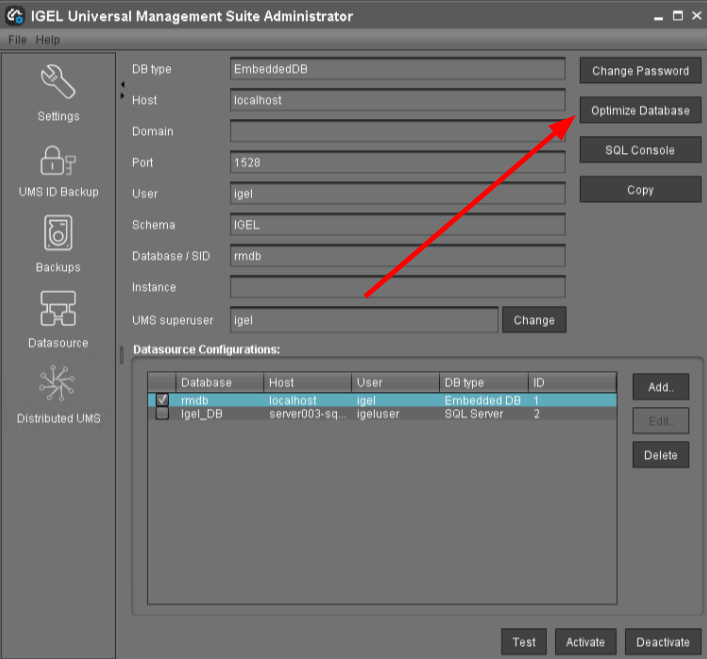
A message window appears once the procedure has been successfully completed.