
This article describes how to use and modify the screen reader settings in IGEL OS.
Menu path: User Interface > Accessibility > Screen Reader
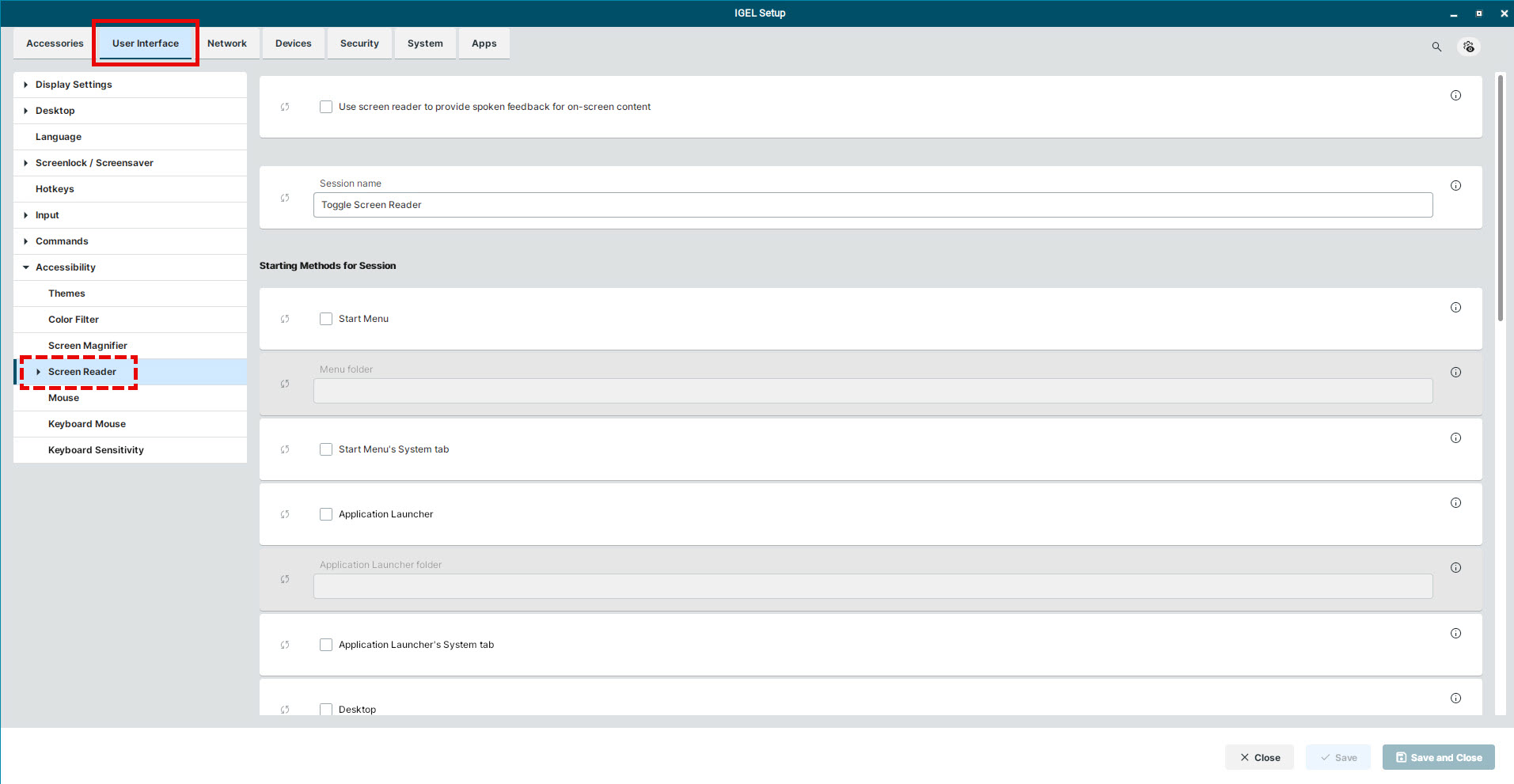
Use screen reader to provide spoken feedback for on-screen content
Do not configure the setting Use screen reader to provide spoken feedback for on-screen content via the IGEL UMS. Otherwise, the screen reader cannot be opened. You can use the Autostart option under User Interface > Accessibility > Screen Reader, instead.
- Screen reader can be used.
- Screen reader cannot be used. (Default)
For how to configure the starting methods for the screen reader, see Starting Methods for Apps.