
This article shows how to set up a Bluetooth service in IGEL OS. For information about whitelisting Bluetooth devices, see Access Control for Bluetooth in IGEL OS 12.
For details on the settings options for Bluetooth devices, see Tray Applications in IGEL OS 12 .
Menu path: Devices > Bluetooth
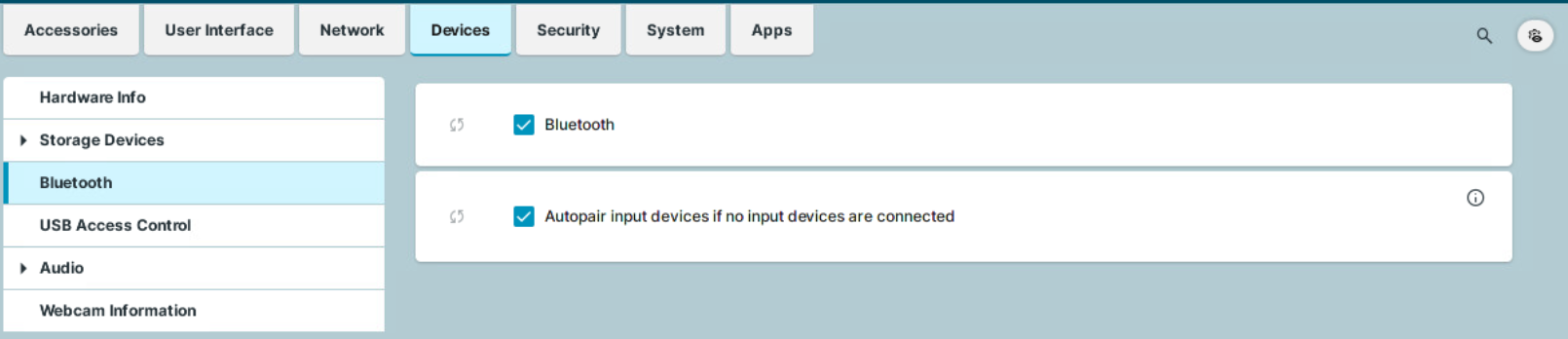
Bluetooth
☑ The Bluetooth service is active. (Default)
Autopair input devices if no input devices are connected
☑ If neither a mouse nor a keyboard is connected to the device, autopairing with Bluetooth input devices will be attempted. (Default)