
This article shows how to configure energy-saving stages for the display in IGEL OS.
Changing the default settings may result in higher power consumption and shorter battery runtime.
Menu path: System > Power Options > Display > Power Management
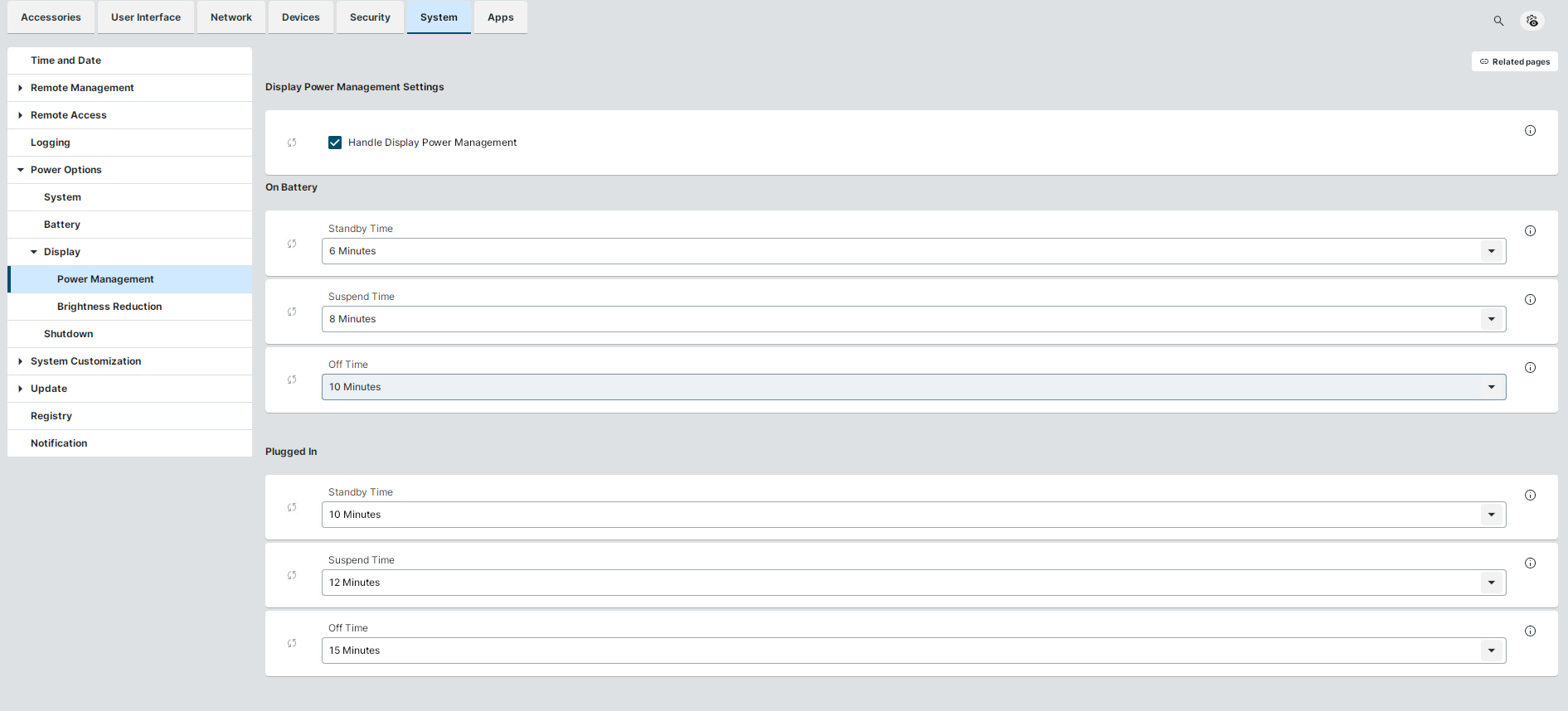
Power Management
Handle display power management
☑ The DPMS energy saving functions are enabled. (Default)
The display must support Display Power Management Signaling (DPMS).
On Battery / Plugged In
You can select time frames after which energy-saving modes get activated. The time frames are configured separately for On Battery and Plugged In use of the device. When Never is selected, the energy-saving mode is disabled.
The following energy-saving modes can be configured:
-
Standby Time
After this time frame, the device goes to standby mode. -
Suspend Time
After this time frame, the device goes to sleep mode. -
Off Time
After this time frame, the device turns off.
Chronologically, Standby mode must occur before or simultaneously with Suspend mode, and Suspend mode must occur before or simultaneously with Off mode. Therefore, verify that the customized timeout values are greater than or equal to the timeout values of earlier modes: Standby Time ≤ Suspend Time ≤ Off Time.
Inconsistent values will result in BadValue error.