
Solution Based on Experience from the Field
This article provides a solution that has not been approved by the IGEL Research and Development department. Therefore, official support cannot be provided by IGEL. Where applicable, test the solution before deploying it to a productive environment.
Symptom
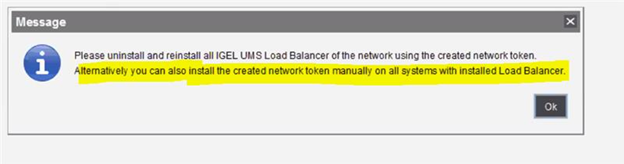
After testing externally signed CA, if switch back to the internal one, an error message will come up:
Environment
-
UMS HA; UMS version: any
Solution
-
Run the installer again.
-
Choose Repair.
-
Point to the HA 'token' / certificate and install it that way.