
|
Functionality |
|
|
USB ID: |
152a:8180 |
|
Software: |
CT-API by celectronic |
|
Device/server connection: |
COM port mapping |
Configuring the device
-
Click Sessions > RDP > RDP Global > Mapping > COM Ports for RDP.
-
Select Enable Com Port Mapping:
-
Click

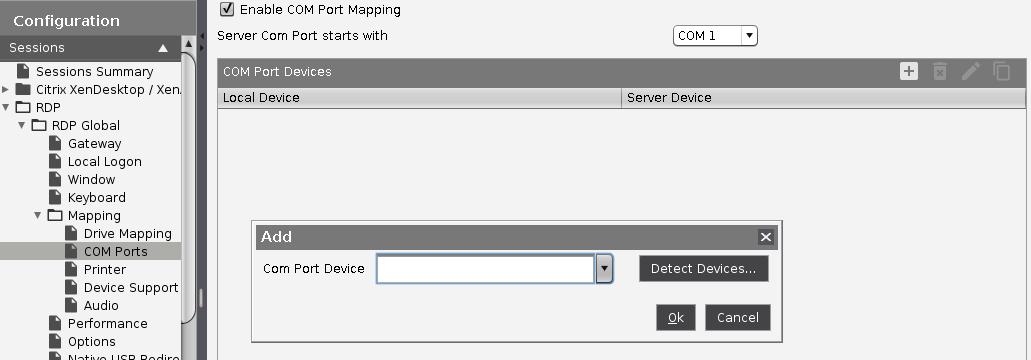
-
Select USB COM 1 as a new COM port device (
/dev/ttyUSB0).
Configuring the server
-
Download the appropriate driver for celectronic CARD STAR memo3 from the download page:
https://www.ccv.eu/ -
Install the driver.