
This article shows how to configure the download server for your own background images in IGEL OS.
Menu path: User Interface > Desktop > Background > Custom Wallpaper Server
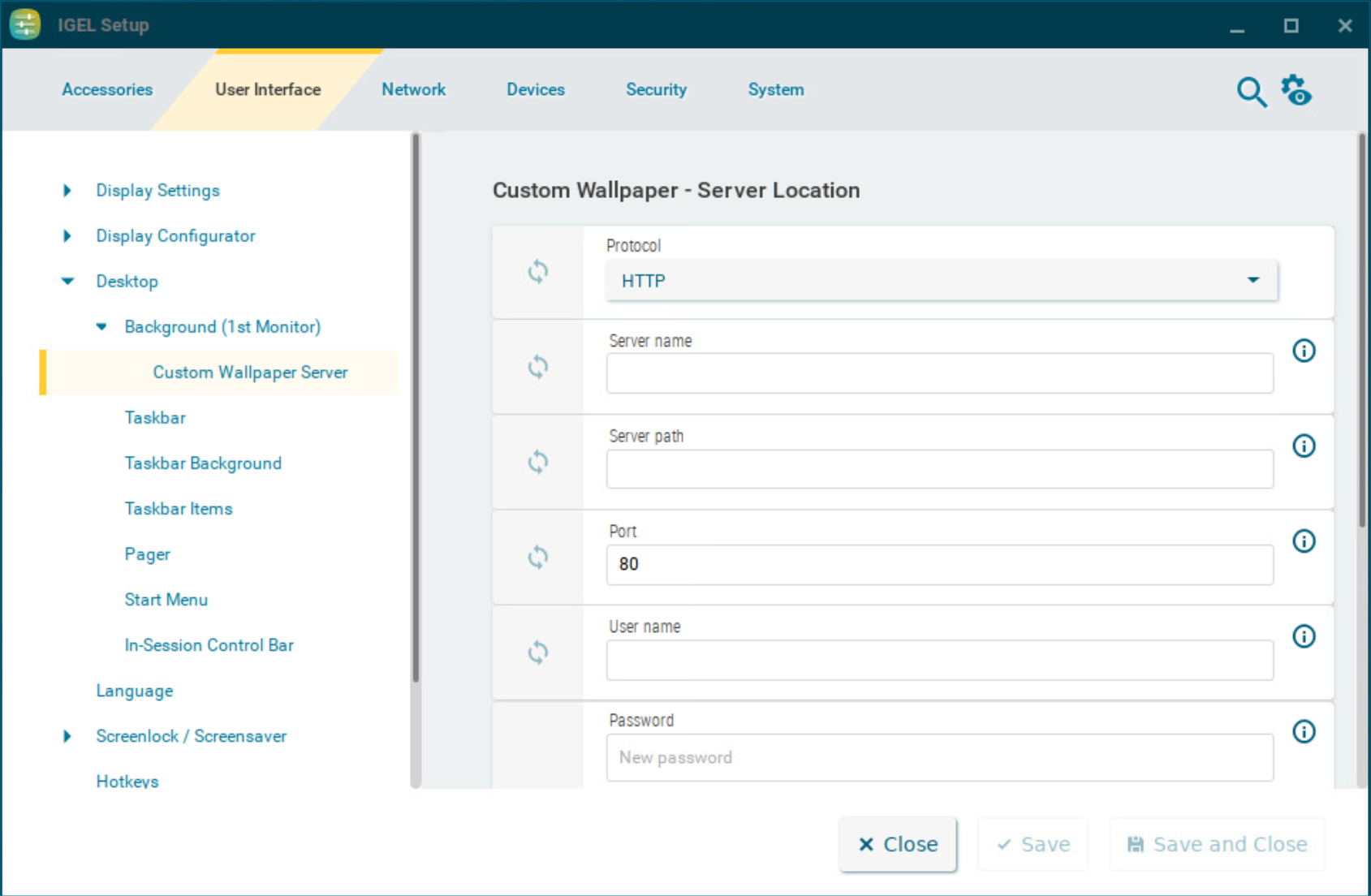
Protocol
Determines the protocol that is to be used. The following are available to choose from:
-
HTTP: Download from a web server. (Default)
-
HTTPS: Download from a TLS/SSL-secured web server
-
FTP: Download from an FTP server
-
SecureFTP: Download via SSH-secured FTP
-
FTPS: Download from a TLS/SSL-secured FTP server
-
File: The image file lies in the file system of the device, possibly as a shared NFS or Windows update. You can enter the location under Local path.
Local path
The path to the background image. The parameter is shown when File is selected as protocol.
Server name
Name or IP address of the server used
Server path
Directory in which you saved the background image
Port
Port used (Default: 80)
User name
Name of the user account on the server
Password
Password for this account
Wallpaper update
The button refreshes the background image when clicked.