
When creating a default directory rule in the IGEL UMS, you can select the criterion Netmask. The devices will then be sorted into automatically created directories according to IP address ranges.
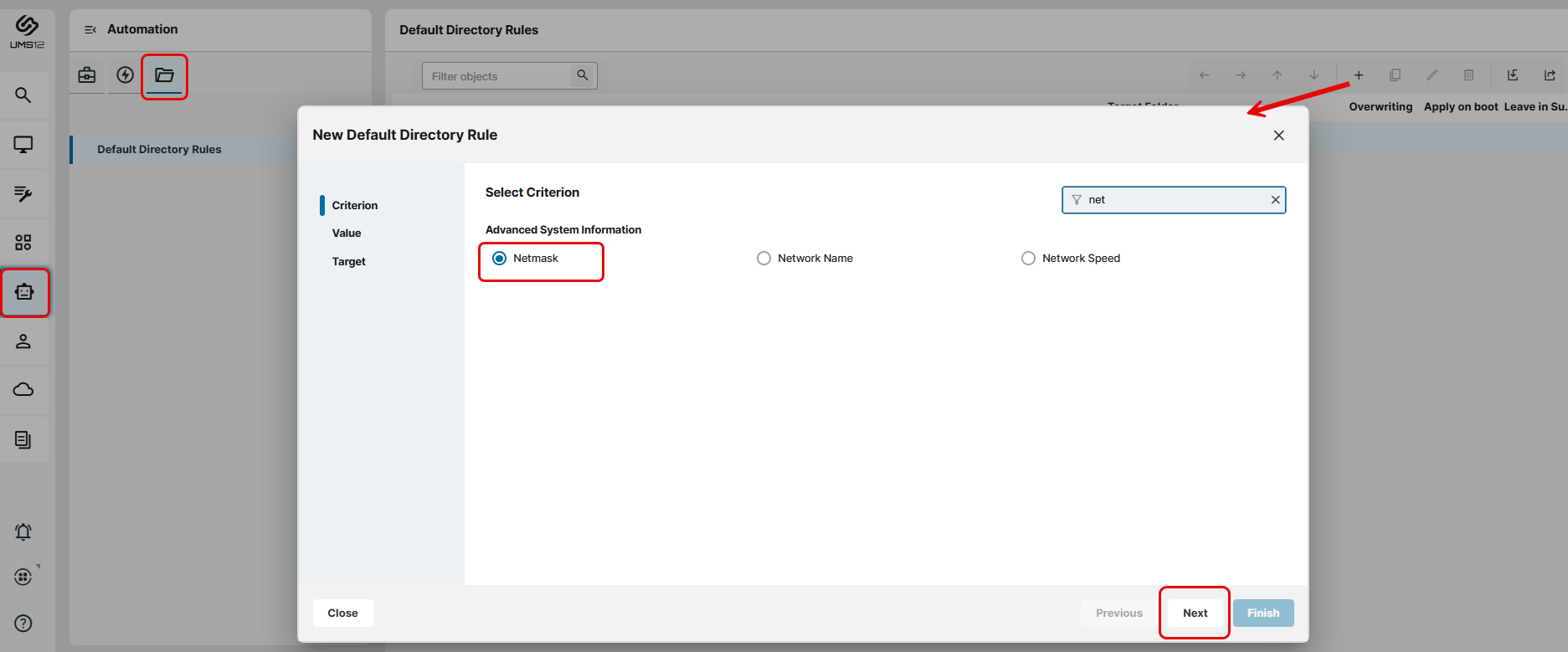
The name of the automatically created directories is determined through this bitwise operation:
Folder = IP address of the device AND netmask
Examples:
|
IP Address |
Netmask |
Resulting directory |
|
|
|
|
|
|
|
|
|
|
|
|
→ As the target directory, select the device directory under which the subfolders for the IP address ranges are to be created.
Because this rule always applies, it is not a good idea to define a further rule. If the netmask rule sorts all devices into directories, no further rule is active.