-
Go to UMS Administration > Licenses > Deployment.
-
Click

-
Enter your ALD Token and click Register.
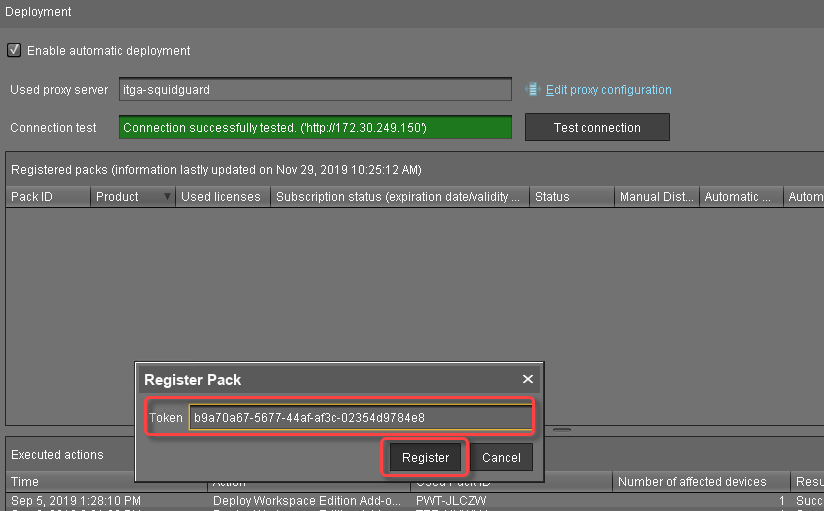
The UMS downloads the license information for the token from the license server. A success message is displayed.
-
Click

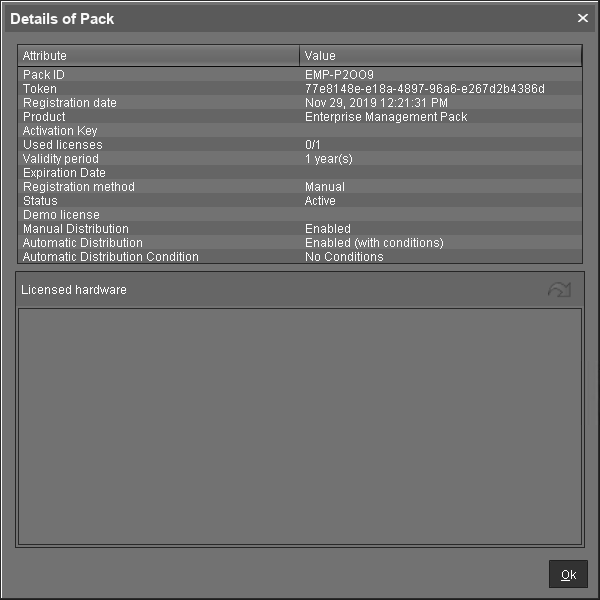
The dialog Details of Pack shows the license information: