
Additional Environment Variables

This article shows how to define other environment variables in addition to the predefined ones.


Menu path:  System > System Customization > Environment Variables > Additional
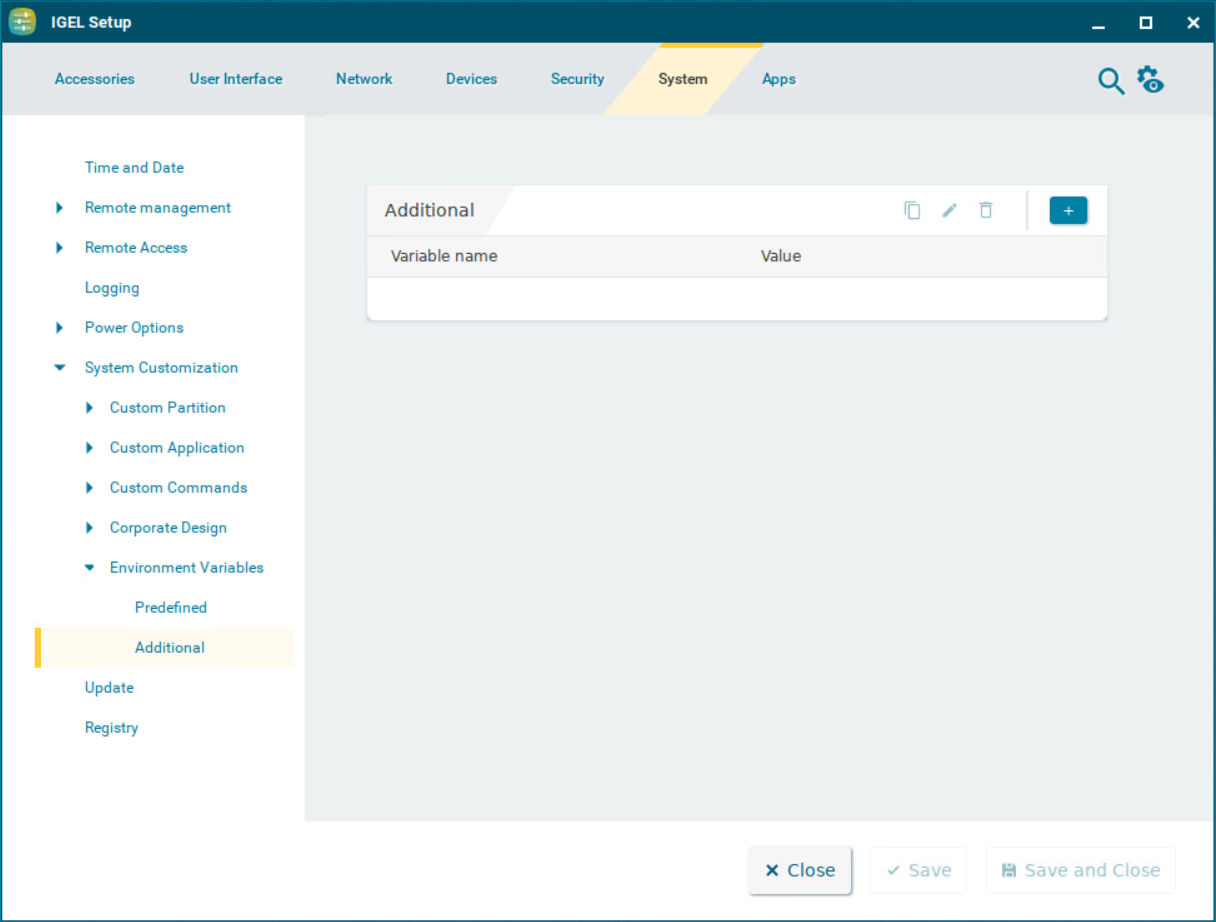

OS12_SysCustom_EnvVariable_Additional.png

To manage the list of Additional variables:

  • Click  image-20240716-112052.png  to create a new entry.

  • Click  image-20240716-112056.png  to remove the selected entry.

  • Click  image-20240716-112059.png  to edit the selected entry.

  • Click  image-20240716-112103.png  to copy the selected entry.


Clicking  image-20240716-111938.png  brings up the Add dialogue, where you can define the following settings:


  • Variable name

Name for the variable

  • Value

Value for the variable