
This article shows how to integrate network drives using the Network File System (NFS) in IGEL OS.
Menu path: Network > Network Drives > NFS
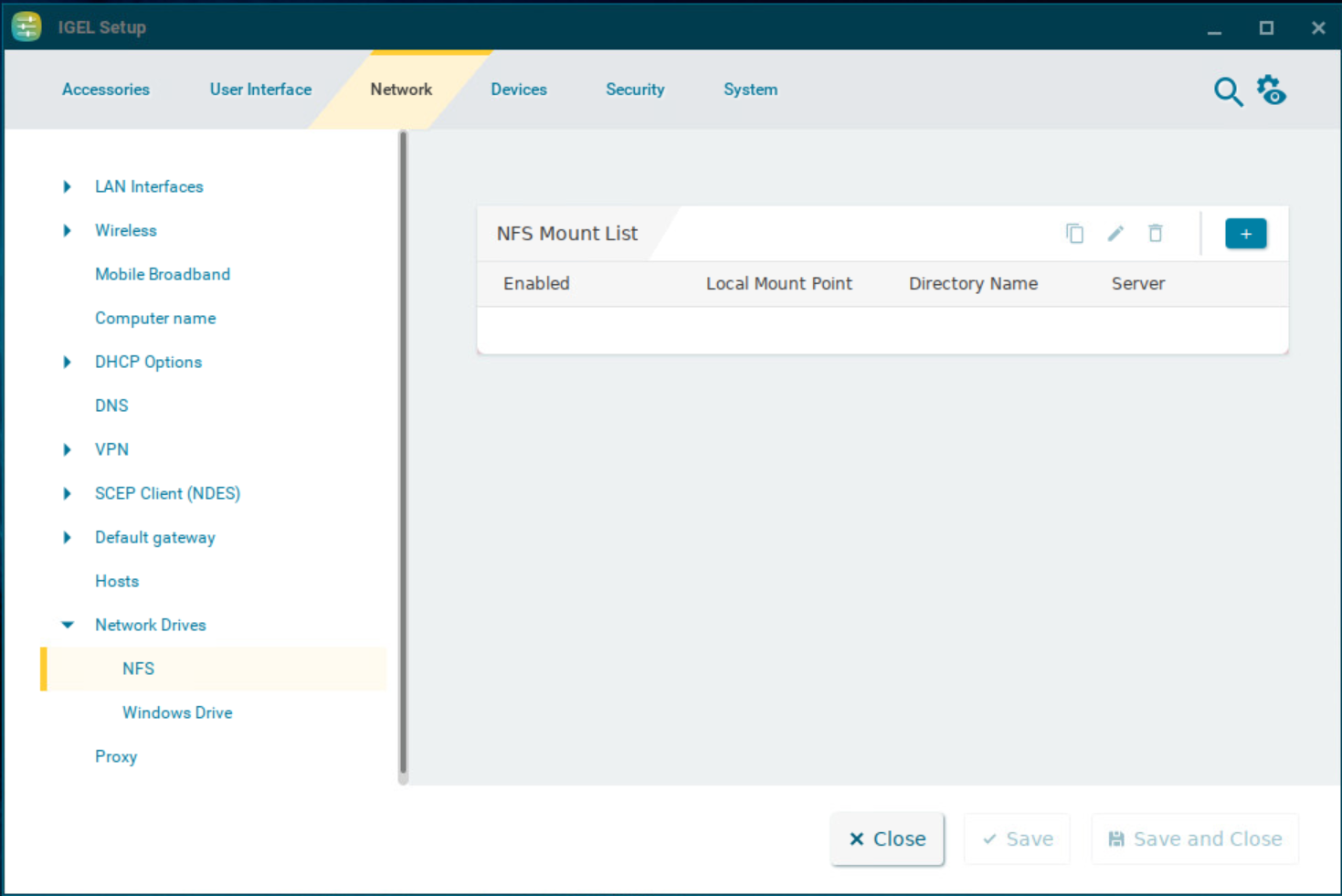
NFS Mount List
List of integrated network drives
To manage the network drives, proceed as follows:
-
Click

-
Click

-
Click

-
Click

Clicking 
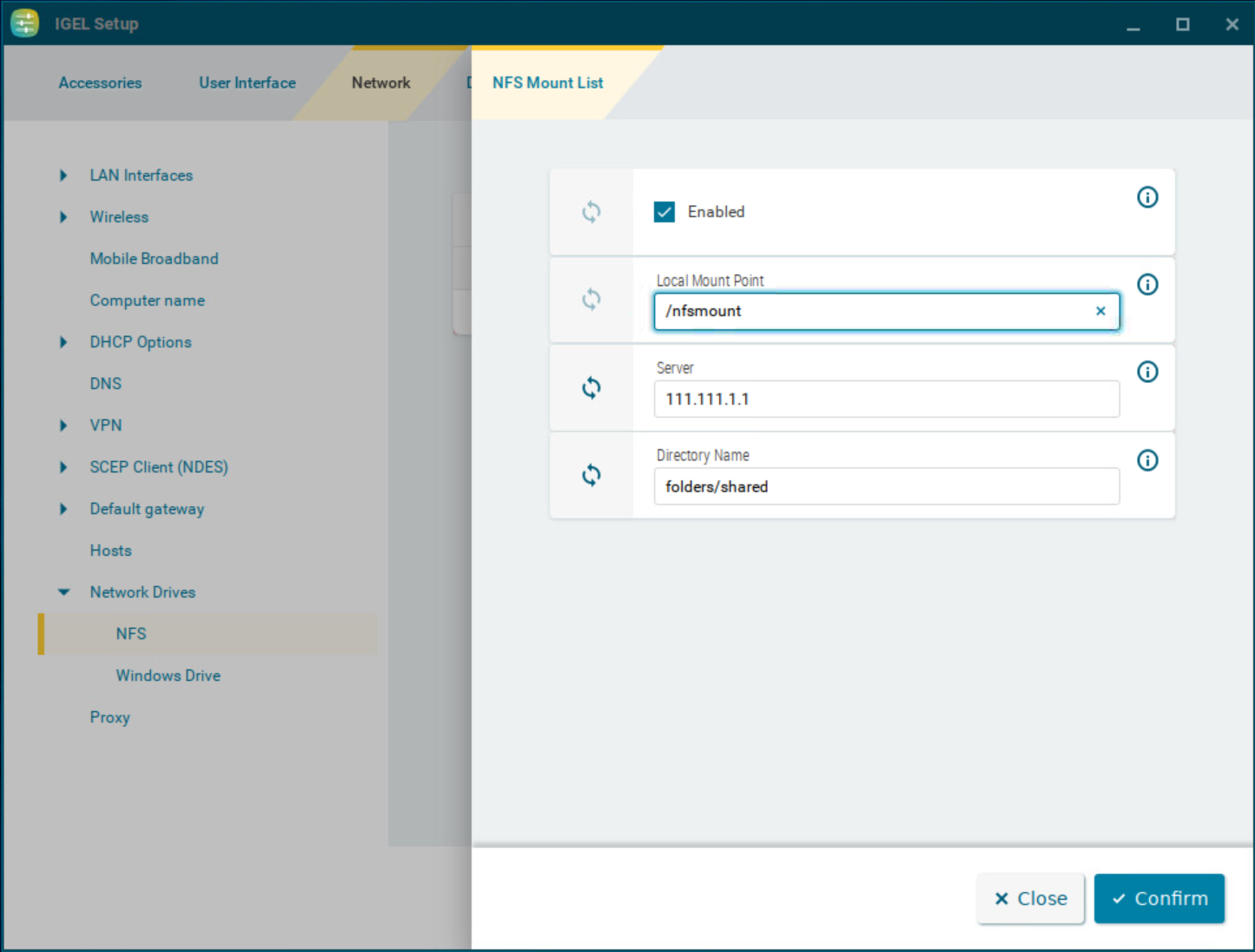
Enabled
☑ The network drive will be integrated. (Default)
Local mount point
The local directory under which the server directory is to be visible. (Default: /nfsmount)
In both the Local mount point and Directory name only / (Linux/Unix-style forward slash) is permitted as a path separator.
Server
NFS server that exports the directory.
For Server, you can provide an IP address, a hostname or a Fully-Qualified Domain Name (FQDN).
Directory name
Path under which the NFS server exports the directory.