
You can add custom applications to call up commands through the defined starting methods. For example, you can create a desktop shortcut to run a command.
Menu path: System > System Customization > Custom Application
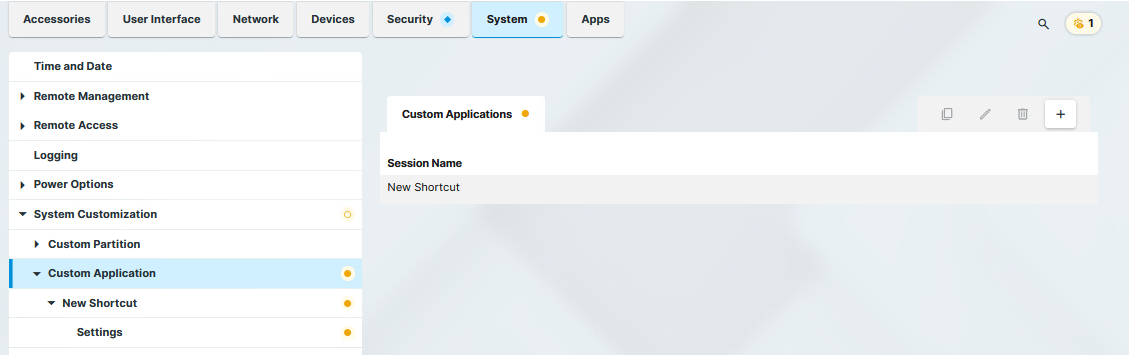
To manage the list of custom applications:
-
Click

-
Click

-
Click

-
Click

→ Click 
The starting methods parameters are described under Starting Methods for Apps.
Under Custom Application > [Custom Application Name] > Settings, you can define the command to be run and the icon for the shortcut.
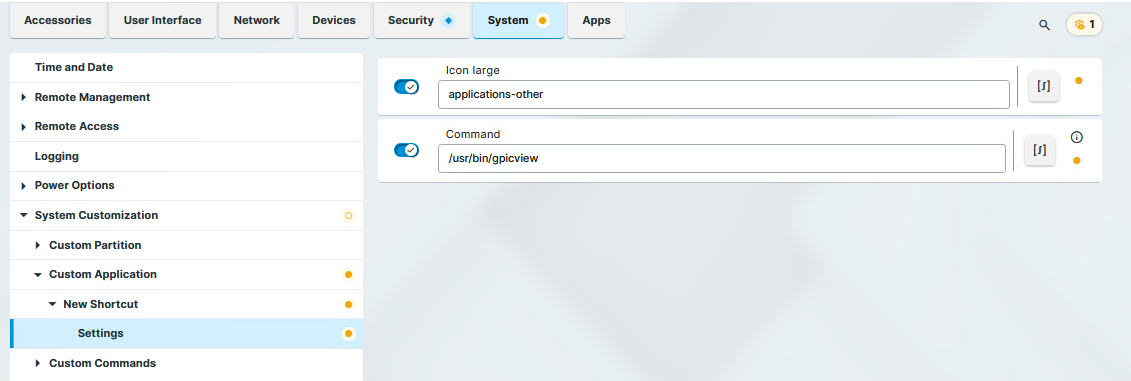
Icon large
Select an icon provided. (Default: applications-other)
Only the desktop icon of a session is customizable. The taskbar icon of a session cannot be customized and will remain the default icon. Complete customization is not possible.
Command
Give the name and path of the application. (Example: /usr/bin/gpicview)