
This article shows how to set the location of the device in IGEL OS.
Menu path: Network > Wireless > Wireless Regulatory Domain
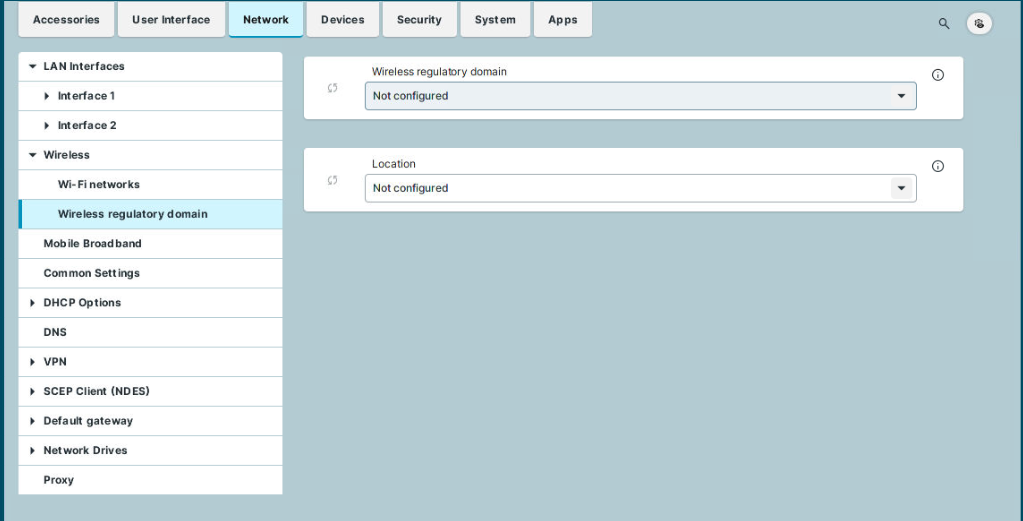
Wireless regulatory domain
Select the area in which the device is located.
-
Not configured (Default)
-
Africa
-
Arctic
-
Asia
-
Australia
-
Europe
-
North America
-
South America
-
World
Location
Select the country in which the device is located. The available options are based on the selected area.
-
Not configured (Default)
-
World
-
Albania
-
Armenia
[...] -
Cyprus