
This article shows how to select the communication protocols for which a system-wide proxy server is to be used in IGEL OS.
Menu path: Network > Proxy
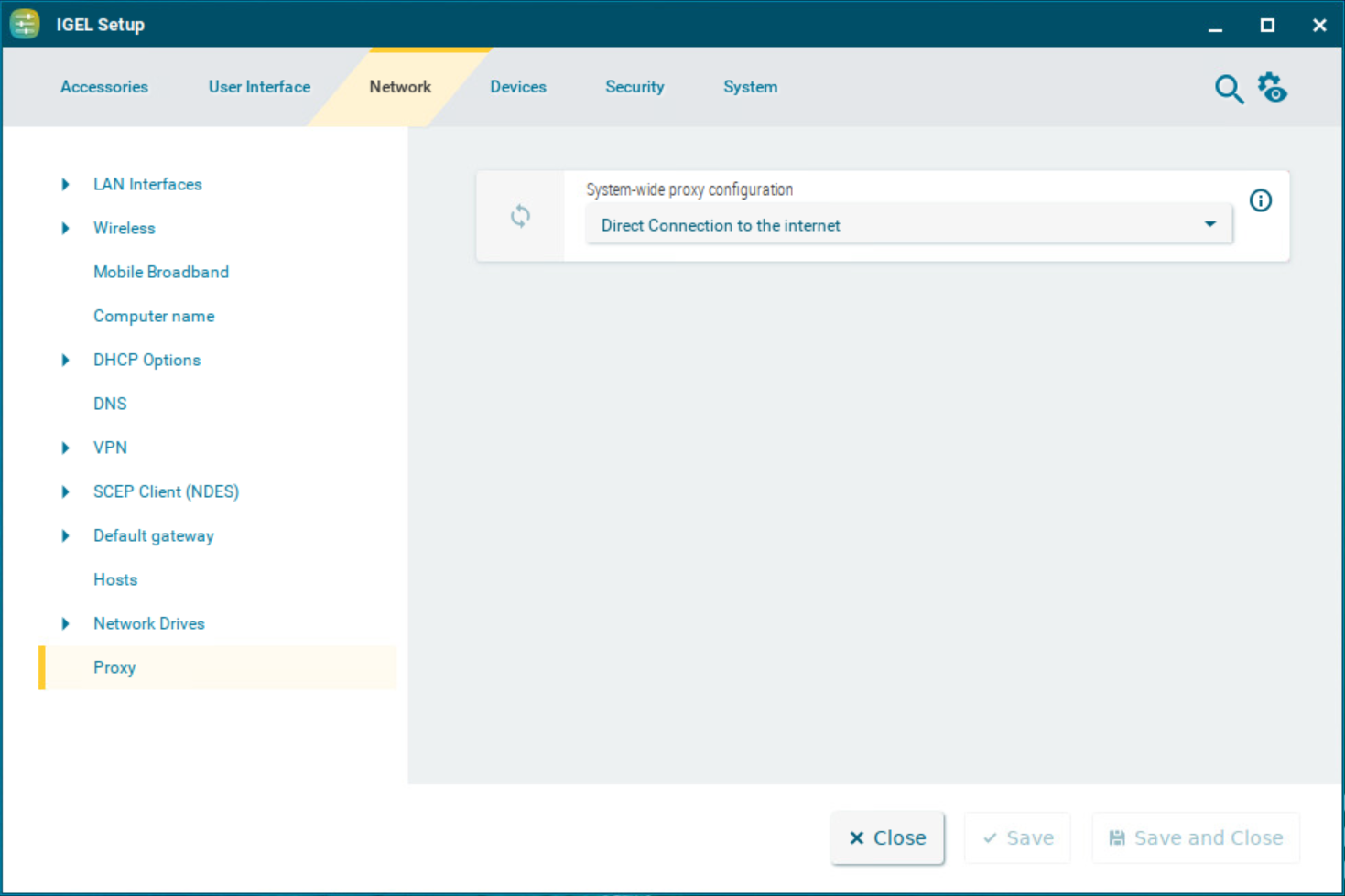
System-wide proxy configuration
Possible options:
-
Direct connection to the Internet
The endpoint device is directly connected to the Internet. No proxy is used. (Default)
-
Manual proxy configuration
You can configure one or more proxies in the fields from FTP proxy up to SOCKS protocol version, see Manual Proxy.
-
Automatic proxy configuration
The proxy settings are dynamically retrieved via a PAC file (Proxy Auto Config) that you specify under URL, see Automatic Proxy. For more information on PAC, see e.g. https://en.wikipedia.org/wiki/Proxy_auto-config. If no PAC file can be obtained or no proxy is reachable, a direct connection to the internet is attempted.
Manual Proxy Configuration
FTP proxy / Port
FTP proxy server and port
HTTP proxy / Port
HTTP proxy server and port
SSL proxy / Port
SSL proxy server and port
SOCKS host / Port
Socks proxy server and port
SOCKS protocol version
Selects the SOCKS protocol version. (Default: SOCKS v5)
No proxy for
List of computers to which the endpoint device is to connect directly, separated by commas. (Default: localhost,127.0.0.1)
Proxy realm for browser
Area in which the browser authenticates itself for the proxy. Together with the user name and password, this information is necessary for authentication.
Use passthrough authentication
☑ The temporarily saved login information (user name and password) will be used to log in to the proxy server.
☐ The login information entered under User name and Password will be used to log in to the proxy server. (Default)
User name
User name for the proxy login
Password
Password for the proxy login
Allow HTTP Basic authentication
Please note that the password is sent to the proxy unencrypted if HTTP Basic encryption is used.
☑ Authentication via HTTP Basic is allowed.
☐ Authentication via HTTP Basic is disallowed. (Default)
Automatic Proxy Configuration
URL
URL of the PAC file for automatic proxy configuration
No Proxy for
List of computers to which the endpoint device is to connect directly, separated by commas. (Default: localhost,127.0.0.1)
Proxy realm for browser
Area in which the browser authenticates itself for the proxy. Together with the user name and password, this information is necessary for authentication.
Use passthrough authentication
☑ The temporarily saved login information (user name and password) will be used to log in to the proxy server.
☐ The login information entered under User name and Password will be used to log in to the proxy server. (Default)
User name
User name for the proxy login
Password
Password for the proxy login
Allow HTTP Basic authentication
Please note that the password is sent to the proxy unencrypted if HTTP Basic encryption is used.
☑ Authentication via HTTP Basic is allowed.
☐ Authentication via HTTP Basic is disallowed. (Default)