
With the VNC viewer, you can access the graphical user interface of a remote computer. This article shows how to configure the starting methods for VNC viewer sessions in IGEL OS.
Menu path: Accessories > VNC Viewer
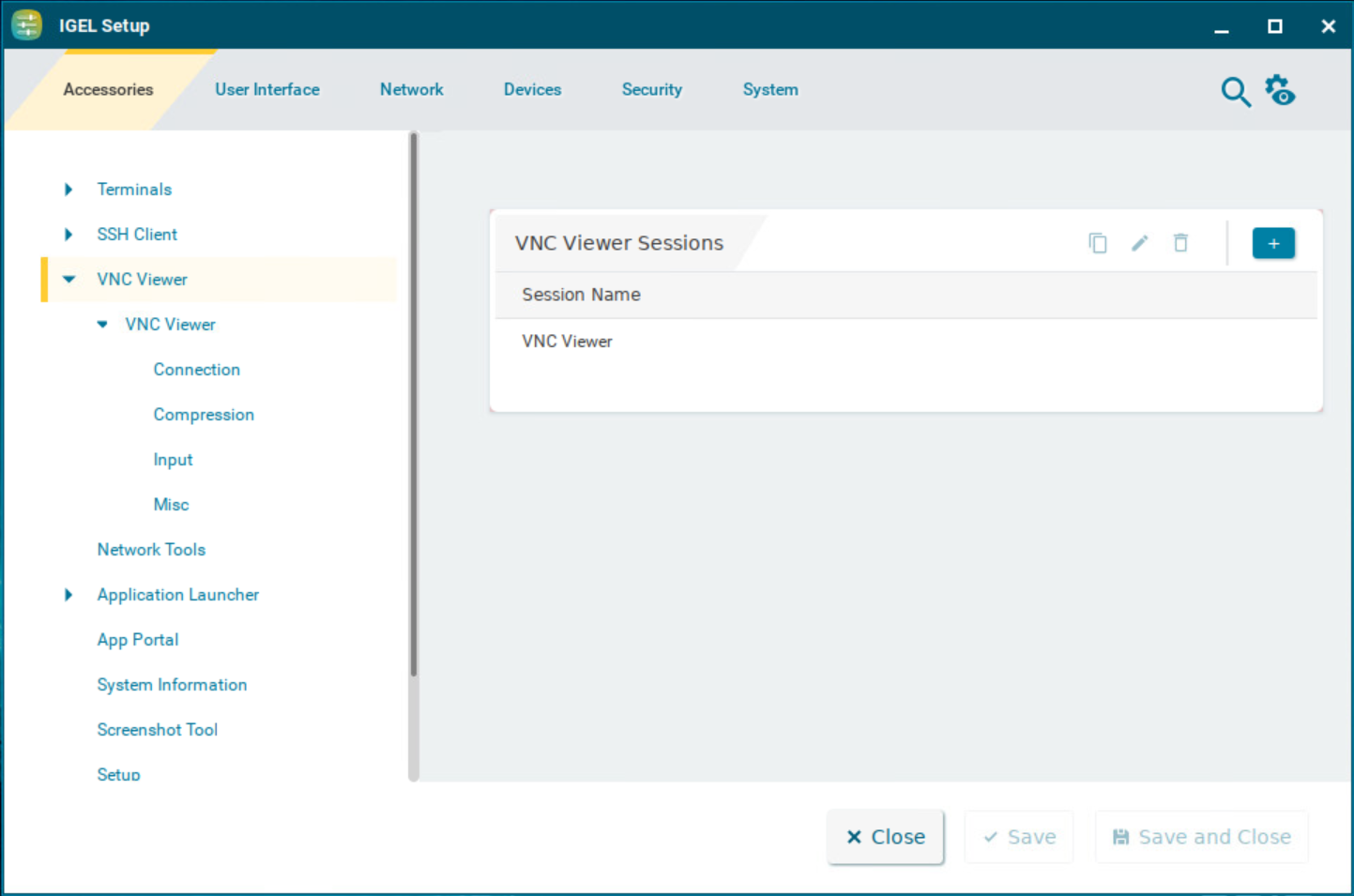
To manage the list of session, proceed as follows:
-
Click

-
Cick

-
Click

-
Click

→ Click
The starting methods parameters are described under Starting Methods for Apps.