
This article shows how to configure domains for the Active Directory/Kerberos configuration in IGEL OS. Up to four domains can be configured.
Menu path: Security > Active Directory/Kerberos > Domain [1-4]
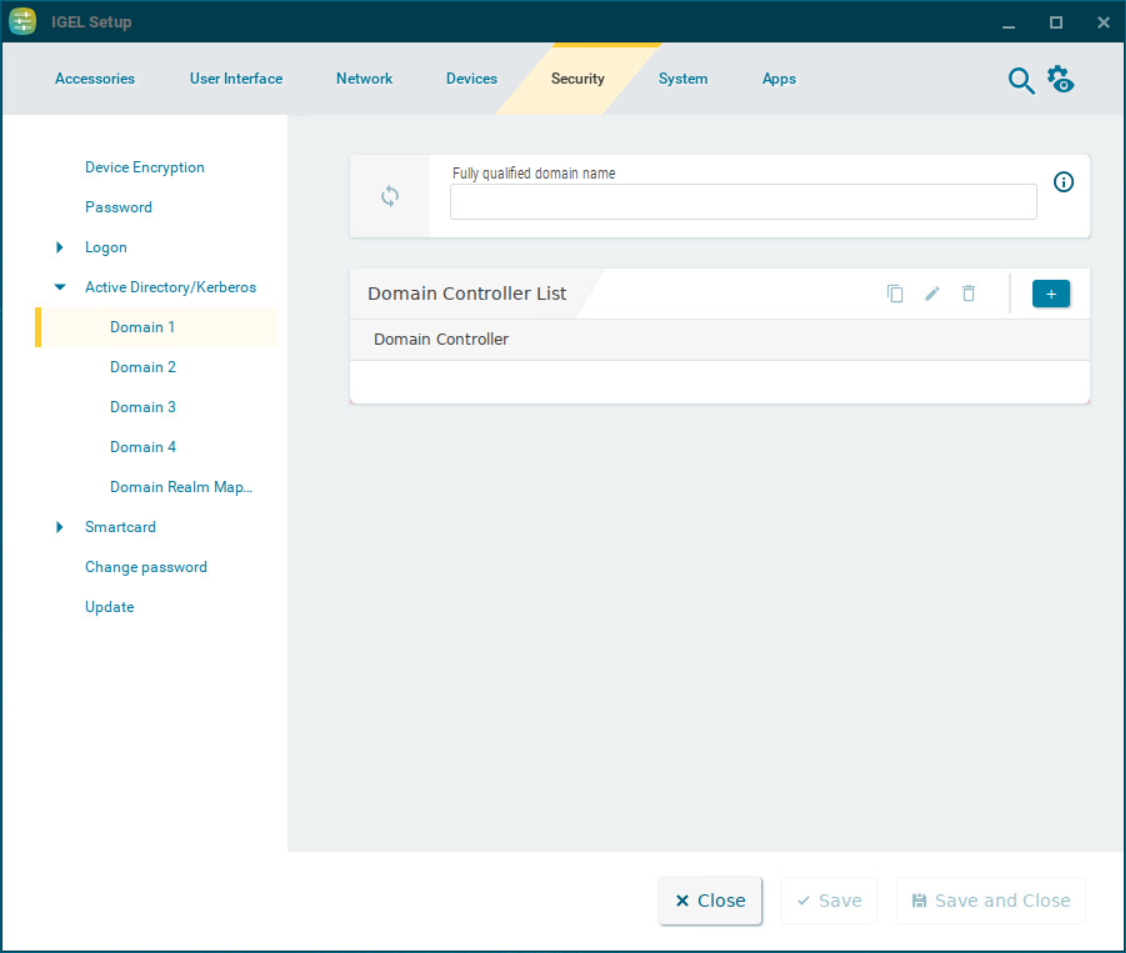
Fully qualified domain name
Name of the domain
Domain Controller List
To manage the list of domain controllers:
-
Click

-
Click

-
Click

-
Click

To configure a domain, proceed as follows:
-
Under Fully qualified domain name, give the name of the domain (Kerberos realm).
-
Click

-
Under Domain Controller, give the name or IP address of the domain controller (Kerberos Key Distribution Center). A port number can be added to the host name; the port name must be preceded by a colon.
-
Click Confirm.
The domain controller will be added to the Domain Controller List.