This article explains how to use the keyboard mouse.
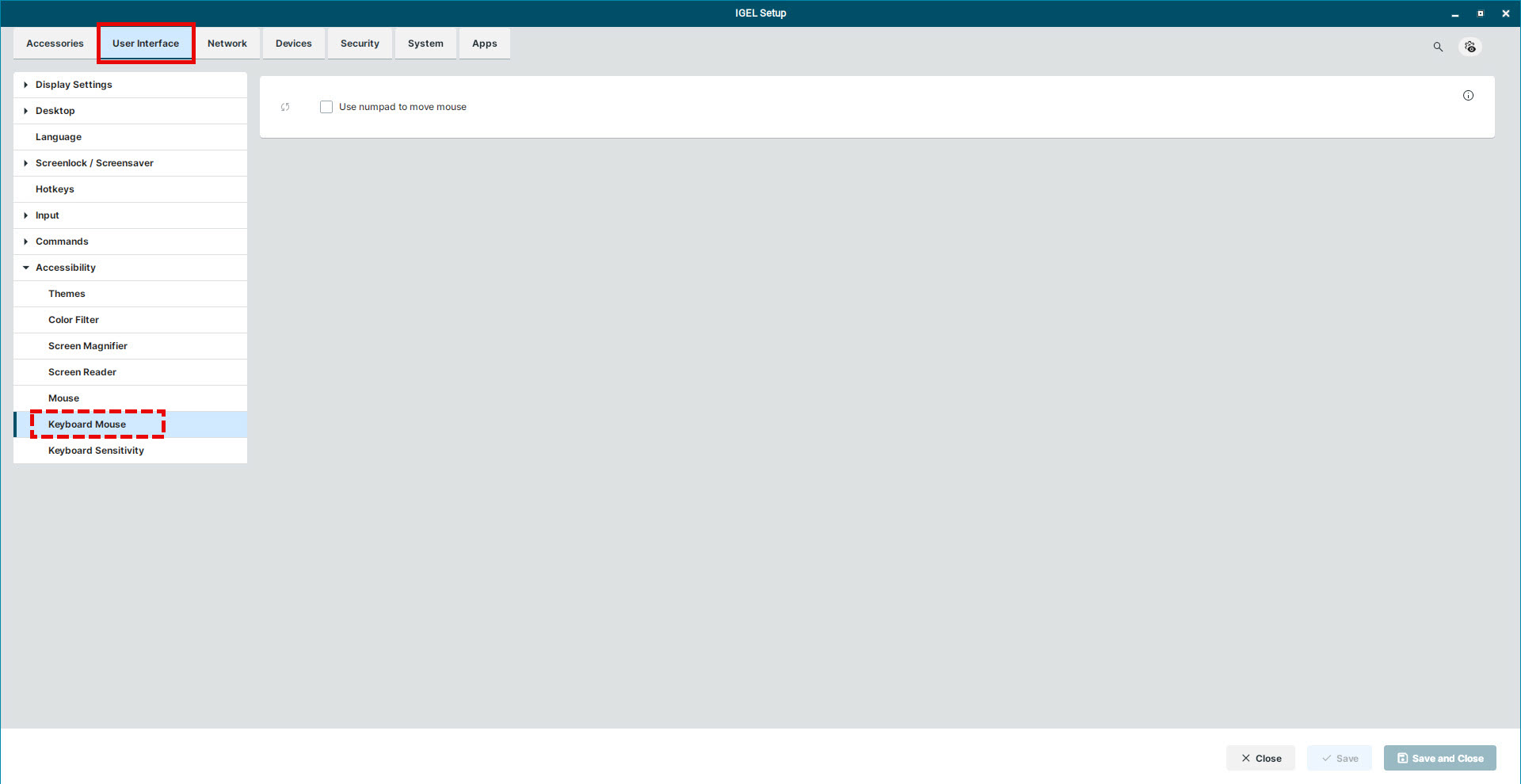
Use numpad to move mouse
☑ Use the keypad number keys to move the mouse.
☐ Use your mouse or touchpad for moving the mouse and clicking. (Default)

This article explains how to use the keyboard mouse.
Use numpad to move mouse
☑ Use the keypad number keys to move the mouse.
☐ Use your mouse or touchpad for moving the mouse and clicking. (Default)