
This article describes how you can adjust mouse settings.
The setting in this section is only related to accessibility. By clicking on Related pages in the top right corner, you will be redirected to the regular mouse settings as described in Mouse Settings in IGEL OS 12.
Menu path: User Interface > Accessibility > Mouse
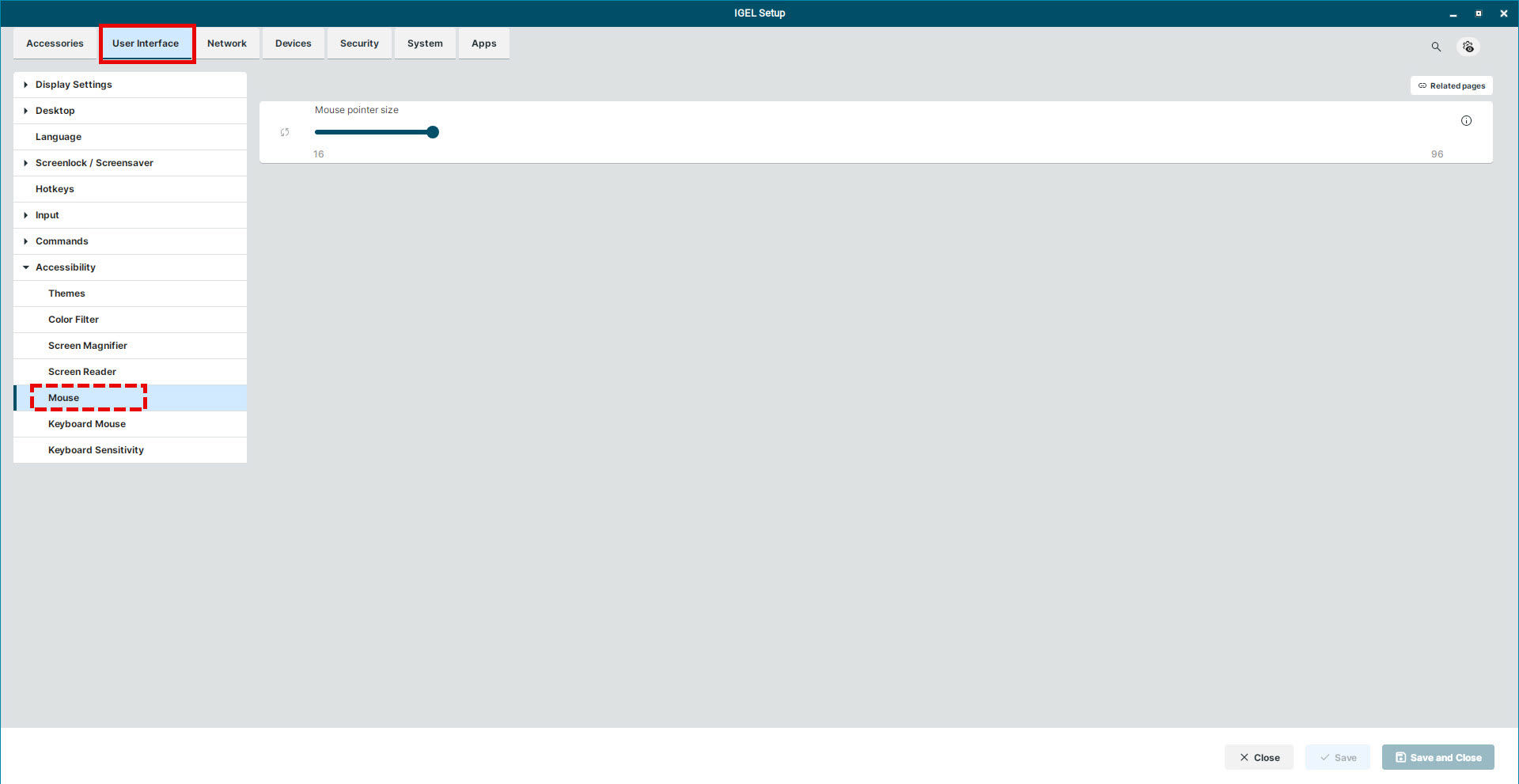
Mouse pointer size
Modify the mouse pointer from the bar by dragging or by clicking in the bar. The available mouse pointer sizes range from 16 to 94 (Default size: 24).