

Evince is a free document viewer designed to provide a simple way to open and view documents on the GNOME Desktop. Evince Document Viewer supports multiple formats such as PDF, PostScript, TIFF, DVI, etc. As of IGEL OS Base System 12.6.1, Evince Document Viewer has been removed from the base system and is currently available as a standalone app.
Since there are no configurable parameters for Evince Document Viewer app, it is not possible to create profiles for the app in the IGEL Universal Management Suite (UMS).
This article is based on Evince Document Viewer version 43.1.2 BUILD 2.0.
How to Use Evince Document Viewer on IGEL OS
-
Import Evince Document Viewer app to your UMS from the IGEL App Portal. For details on app import, see How to Import IGEL OS Apps from the IGEL App Portal.
-
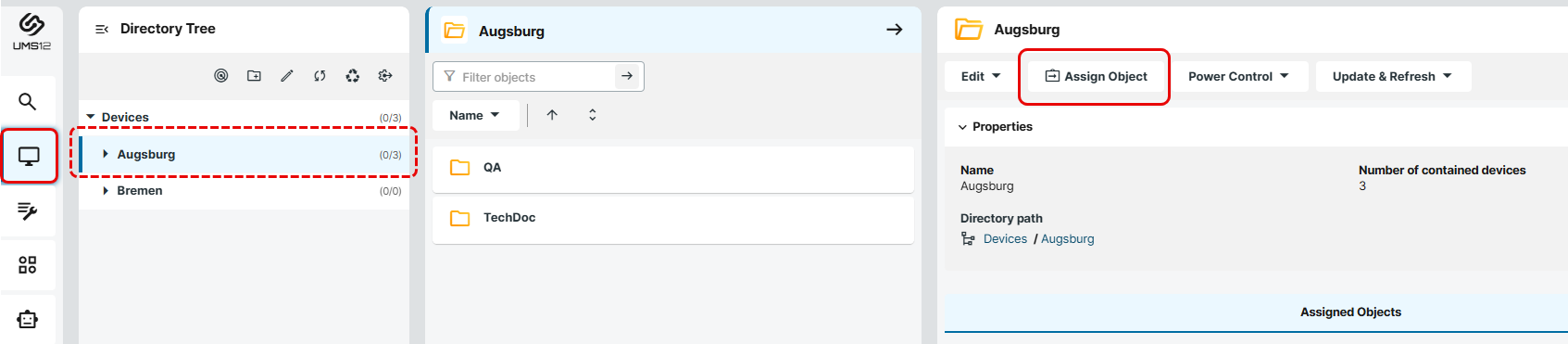
Under UMS Web App > Devices, select the required devices / device directories and click Assign Object.
-
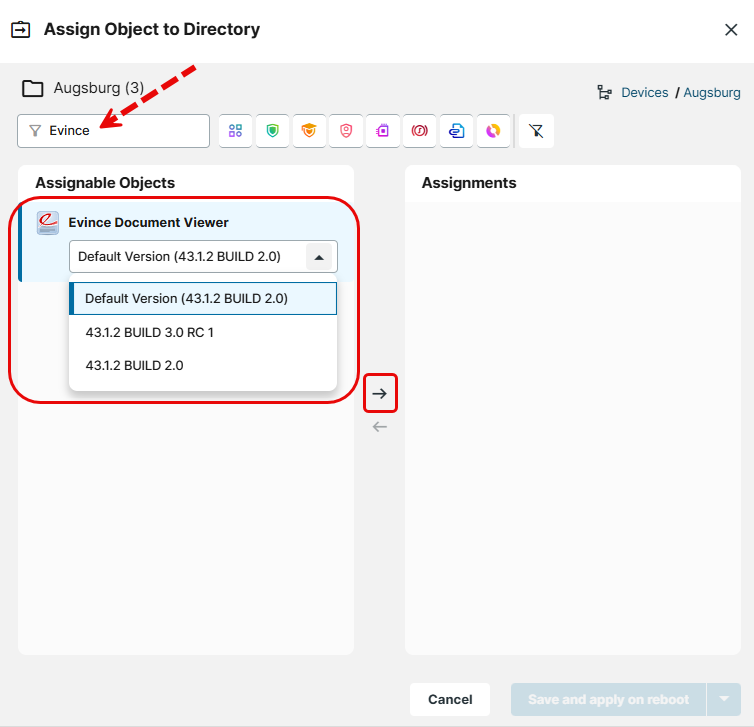
Select the app and, if required, its specific version. For detailed information, see How to Assign Apps to IGEL OS Devices via the UMS Web App.
-
Select when the changes should apply.
After the reboot (if not configured otherwise; see Update - App Update Settings in IGEL OS 12), the app will be installed and can be used, for example, to open PDFs downloaded from the browser.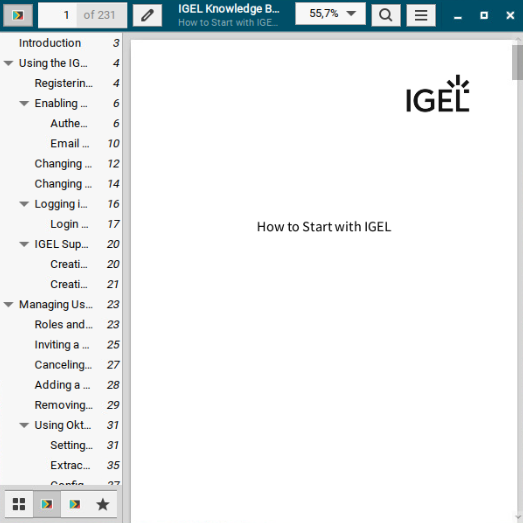
-
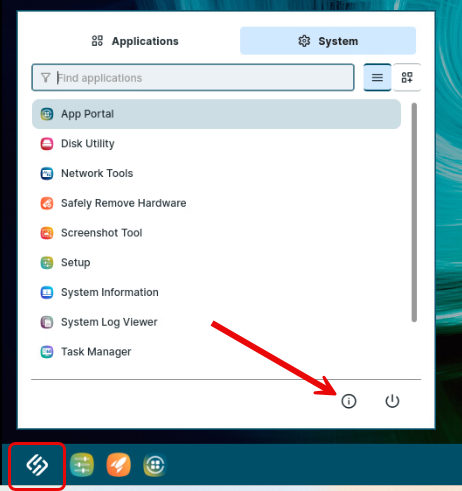
On the IGEL OS device, you can see if the app is installed via the About dialog in the Installed Apps section. The app is not available in the Application Launcher, Start menu, etc. as there are NO configurable starting methods for the session or other settings for this app.
-
If you do not want to use the internal PDF viewer in the browser, but e.g. Evince Document Viewer, check the setting Open PDFs externally, see e.g. Configuration of Microsoft Edge on IGEL OS and Configuration of the Chromium Browser in IGEL OS.