
The Philips Speech Extensions app enables the redirection of Philips dictation devices connected to IGEL OS. The devices can then be used with supported software running in Citrix Virtual Apps and Desktops.
This article provides guidance on configuring the Philips Speech Extensions app on IGEL OS.
This article is based on Philips Speech Extensions version 13.2.3 BUILD 1.0.
Requirements
-
Philips Speech Extensions app is imported to your IGEL UMS. For details on app import, see How to Import IGEL OS Apps from the IGEL App Portal.
-
For information on supported platforms, Philips dictation devices, and Philips Speech Extensions versions, see Supported platforms in the official Philips documentation.
Configuring the Performance Settings
-
In the IGEL UMS Web App, create a profile configuring the app. For details on profile creation, see How to Create and Assign Profiles in the IGEL UMS Web App.
-
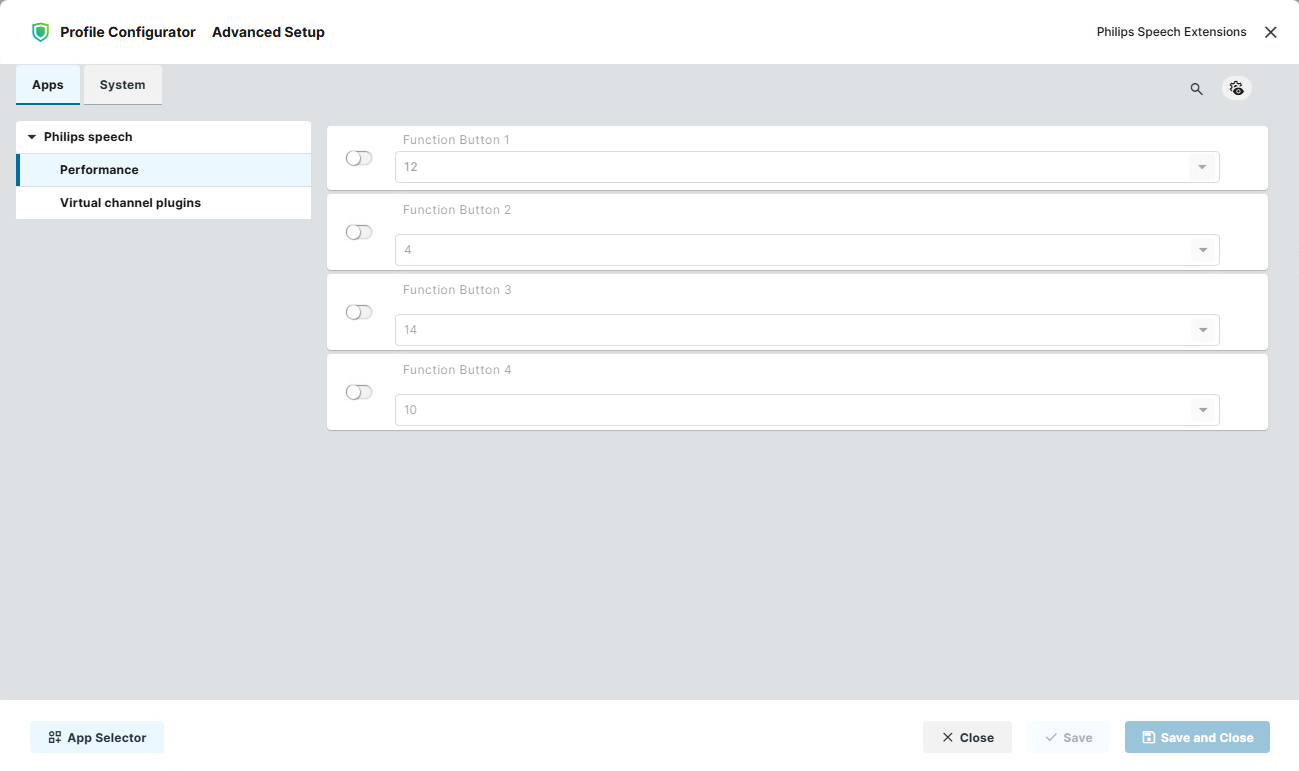
In the Profile Configurator, go to Apps > Philips speech > Performance.
-
Edit the settings according to your needs. The parameters are described below.
Function Buttons
The selected value defines the function assigned to the respective Function Button. The same function can be assigned to multiple function buttons simultaneously.
Possible values:
-
4: Play (Press and Hold)
-
10: End-of-letter/priority (•EoL/••Prio)
-
12: Fast rewind
-
14: Fast forward
Function Button 1
Default: 12 (Fast rewind)
Function Button 2
Default: 4 (Play)
Function Button 3
Default: 14 (Fast Forward)
Function Button 4
Default: 10 (EOL)
Configuring the Virtual Channel Plugins Settings
-
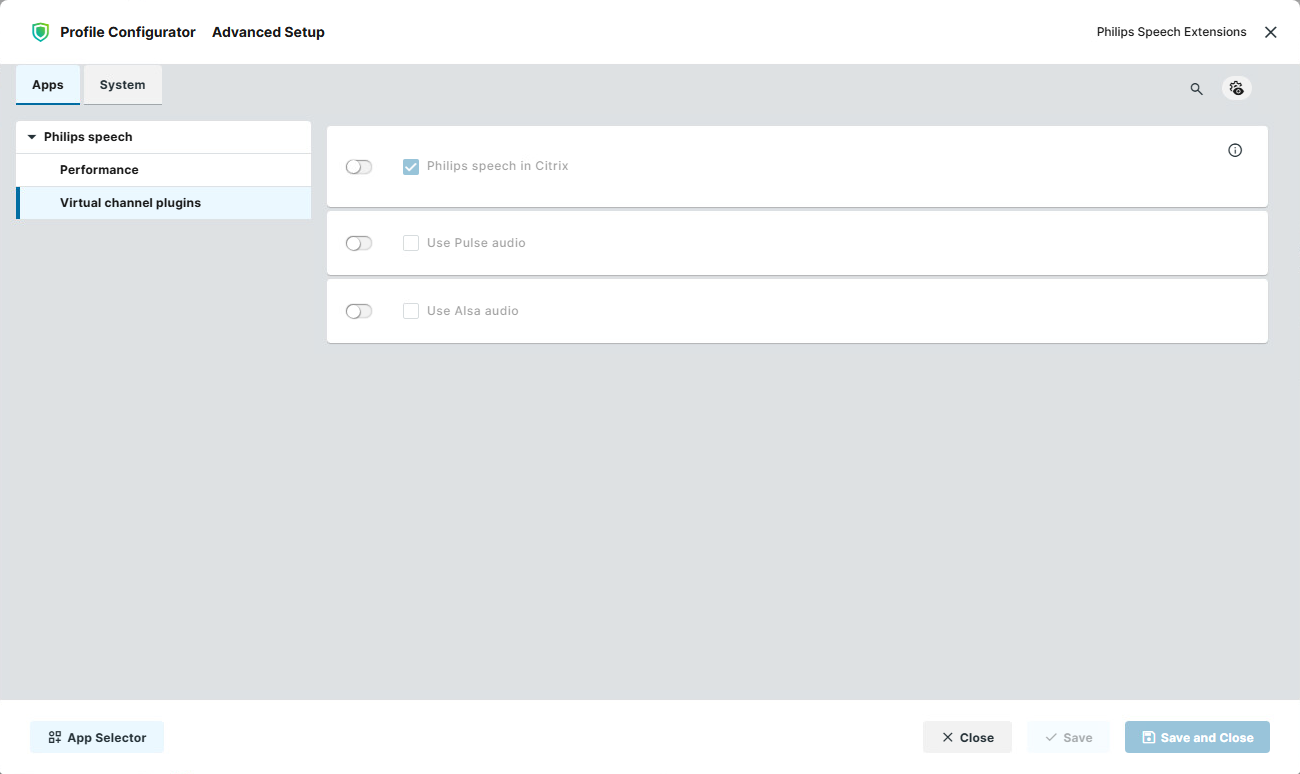
In the Profile Configurator, go to Apps > Philips speech > Virtual channel plugins.
-
Edit the settings according to your needs. The parameters are described below.
Philips speech in Citrix
- The Philips Speech plugin for Citrix Workspace App is enabled. (Default)
- The Philips Speech plugin for Citrix Workspace App is disabled.
Use Pulse audio
- Pulse Audio is used for Philips Speech audio.
- Pulse Audio is not used for Philips Speech audio. (Default)
Use Alsa audio
- ALSA is used for Philips Speech audio.
- ALSA is not used for Philips Speech audio. (Default)