
Problem
The Topaz USB device is not passing through to the Horizon VDI environment running on IGEL OS 12.
Solution
-
Enable the following setting in the system registry:
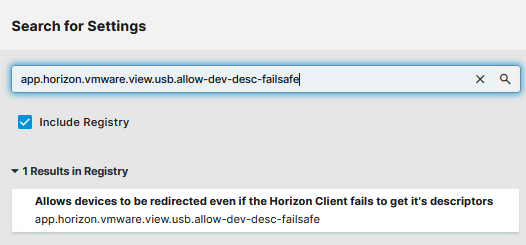
app.horizon.vmware.view.usb.allow-dev-desc-failsafe
You can use the search tab to find the registry key if you enable the Include Registry option.
-
Apply the setting to the device.
-
Restart the session or restart the IGEL OS.