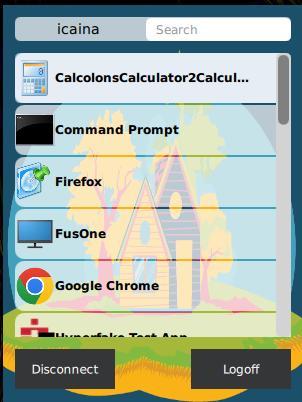
IAFI 1.5.0 introduces enhancements to the Follow Imprivata Policies and Workflows configuration. Specifically, the Resource Chooser window, enabling a lock-screen (full-screen) mode identical to the PIE agent experience. This update addresses customer requirements around preventing access to the IGEL desktop before session launch.
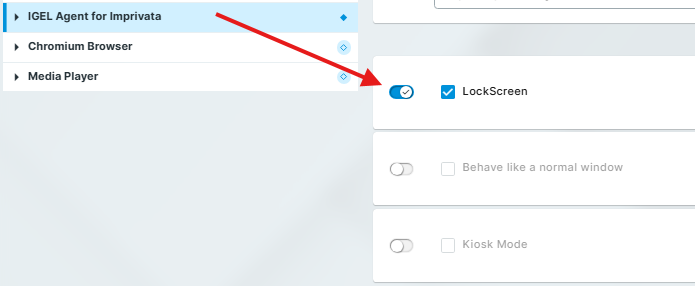
→ To enable the full-screen chooser option, go to Apps > IGEL Agent for Imprivata and enable LockScreen.
Available Modes
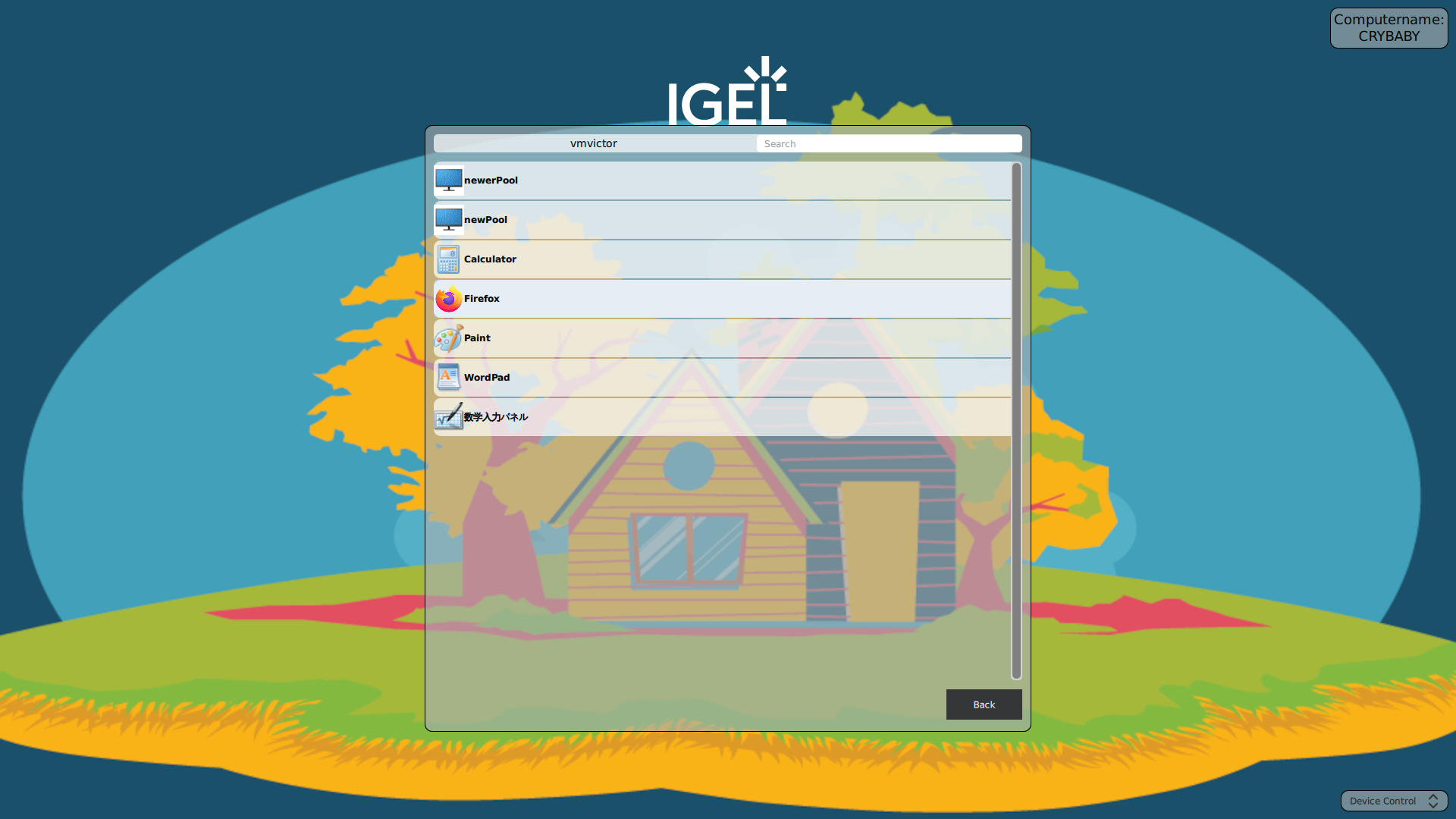
Lock-Screen (Full-Screen) Mode
-
This mirrors how the Imprivata PIE agent behaves when a user has multiple resources available (Desktops or Apps)
-
Blocks access to IGEL desktop
-
The Resource Chooser shows only once after authentication
-
Only displays in full screen if no autostarted apps are configured. This only applies if IAFI is in “follow policies” and the VDI is Citrix.
Windowed/Floating Mode
-
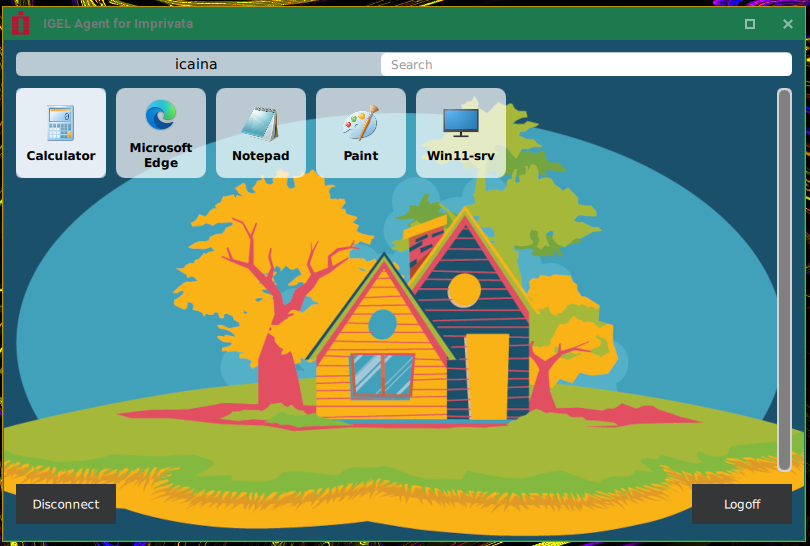
This is the “Behave like a normal window” setting - see this: Configuration of the IGEL Agent for Imprivata on IGEL OS
-
If the Lockscreen is enabled, and Windowed mode is selected, once a user picks a resource to launch, the chooser will be available in the middle of the screen behind the resource launched.
-
Can be used for secondary chooser appearances after login. This only applies if IAFI is in “follow policies” and the VDI is Citrix.
Docked to IGEL Taskbar Mode
-
This is the default chooser behavior if the Windowed Mode is not enabled.
-
Traditional tray-style chooser showing the current logged in user, a search option and scroll bar.
-
Can be used for secondary chooser appearances after login. This only applies if IAFI is in “follow policies” and the VDI is Citrix.